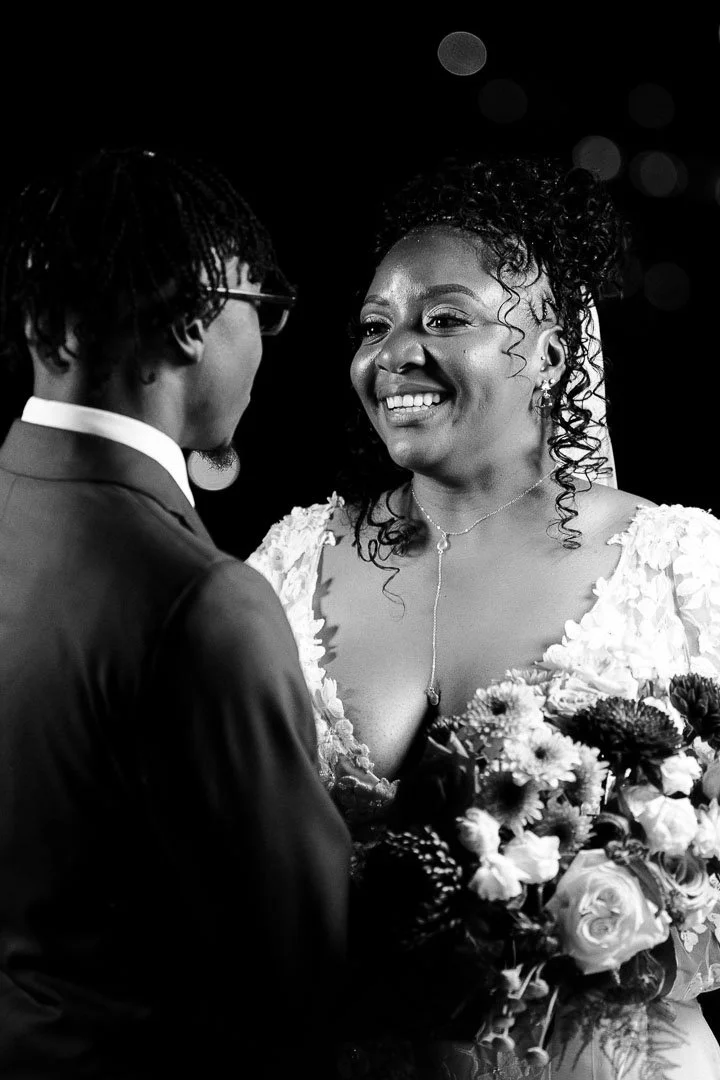


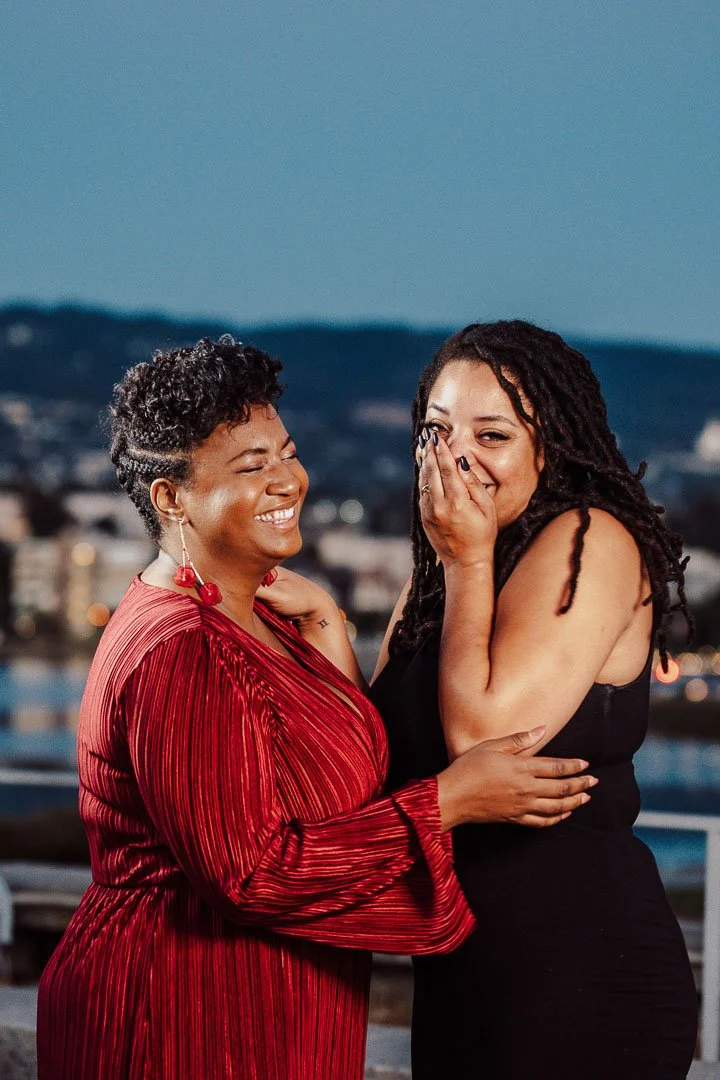



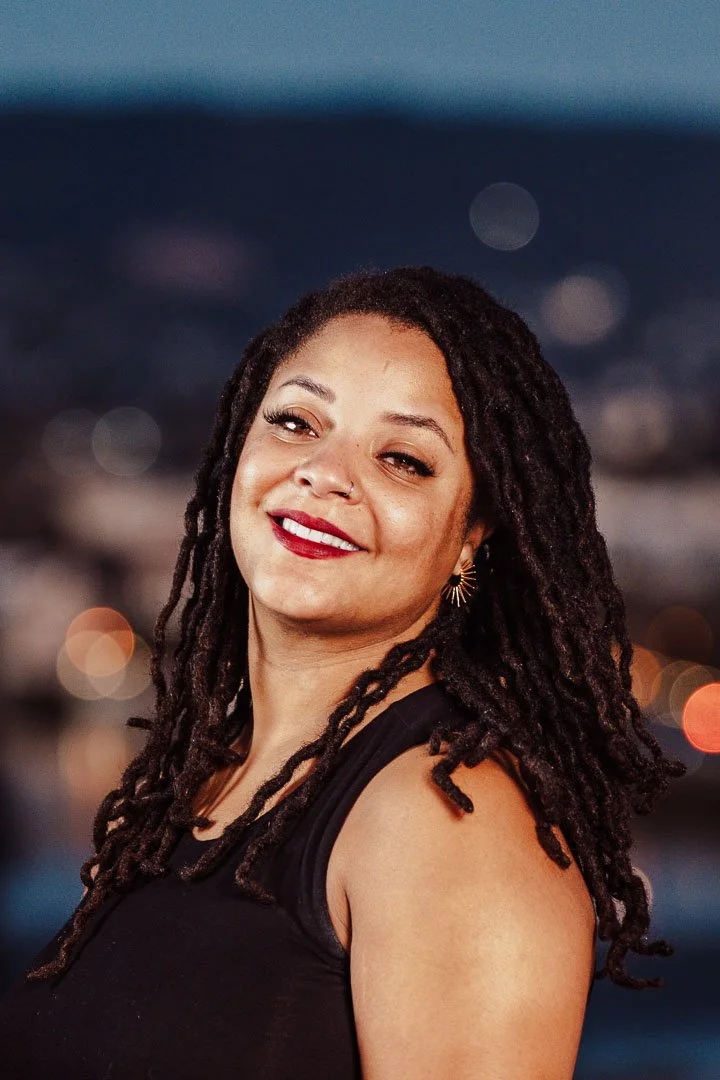
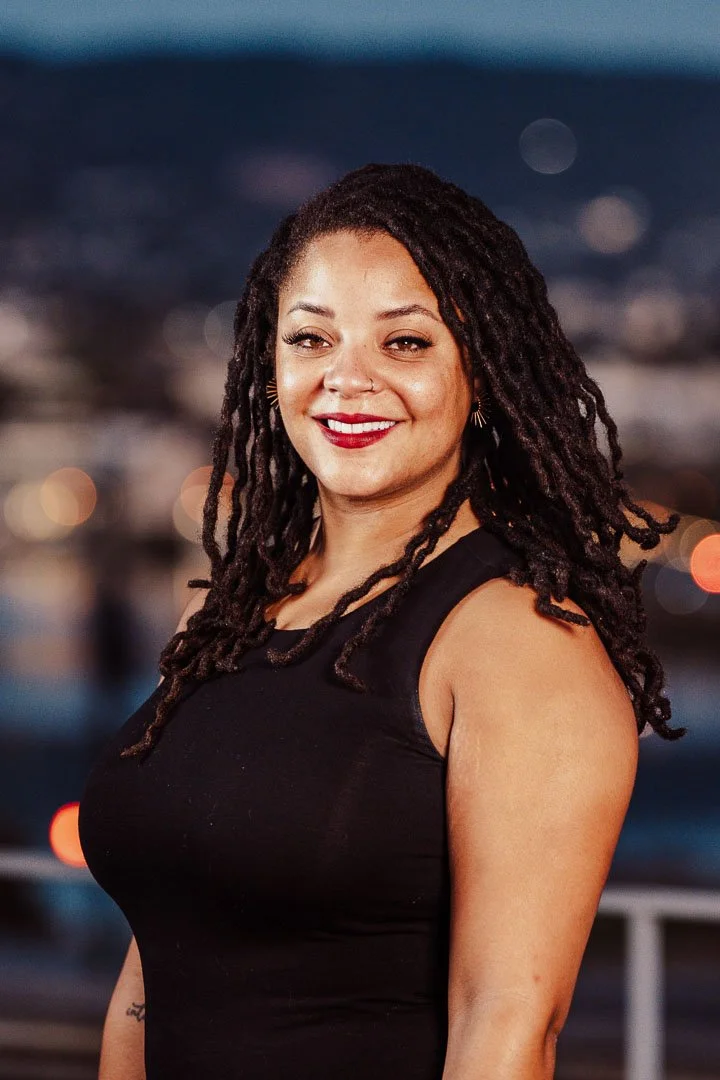
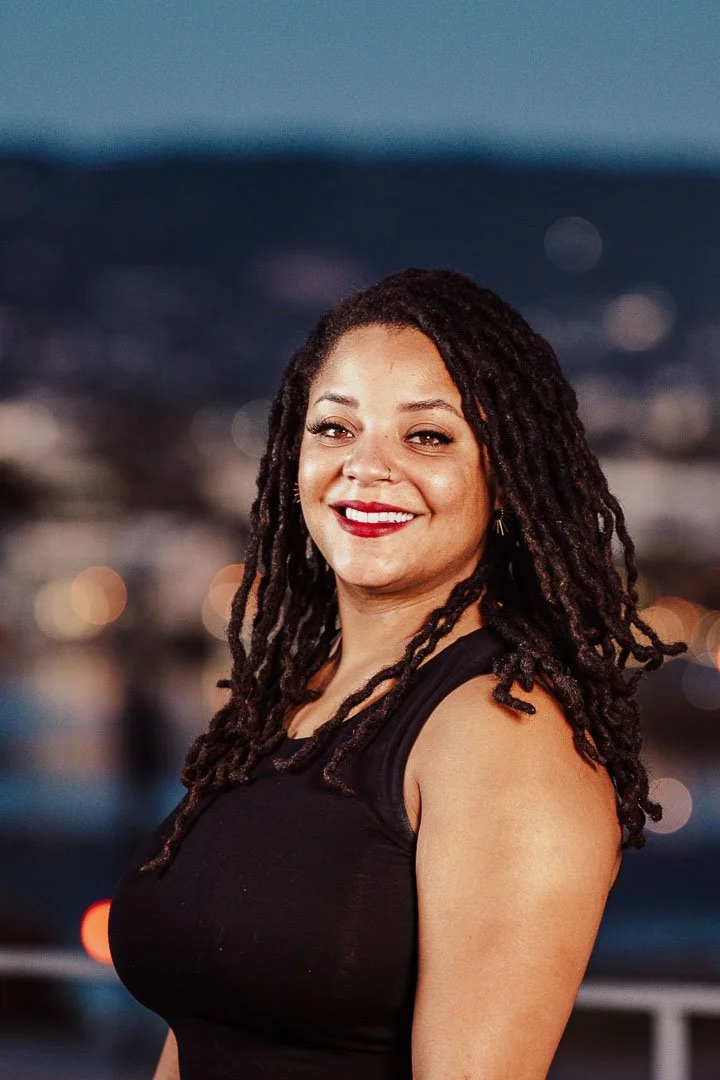
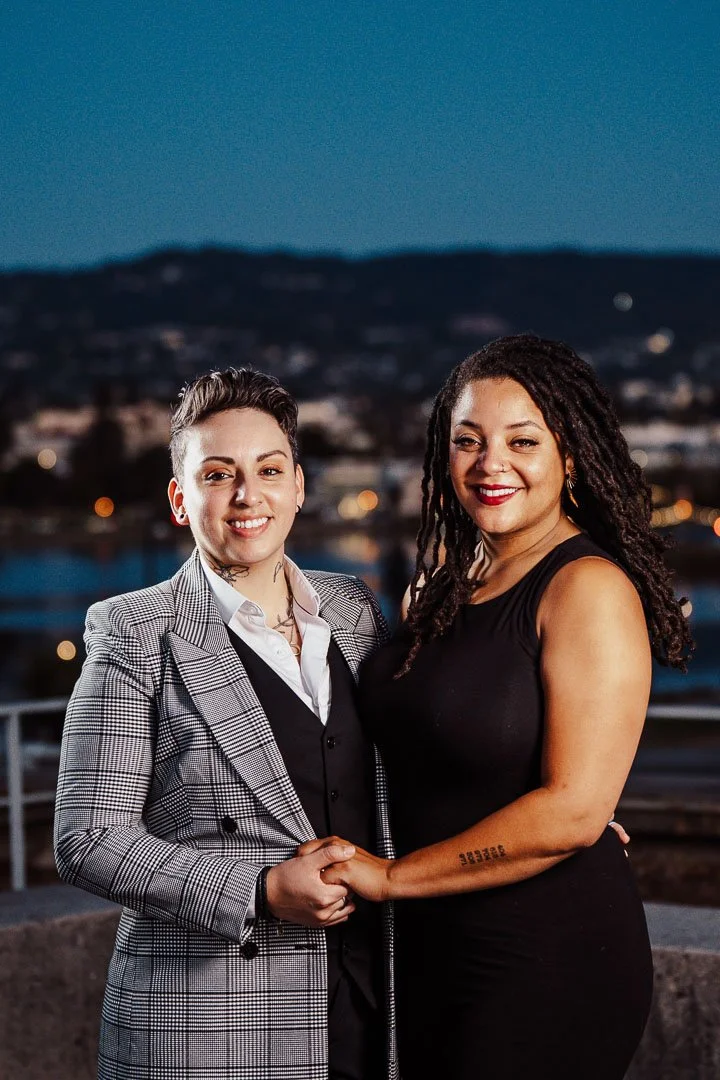
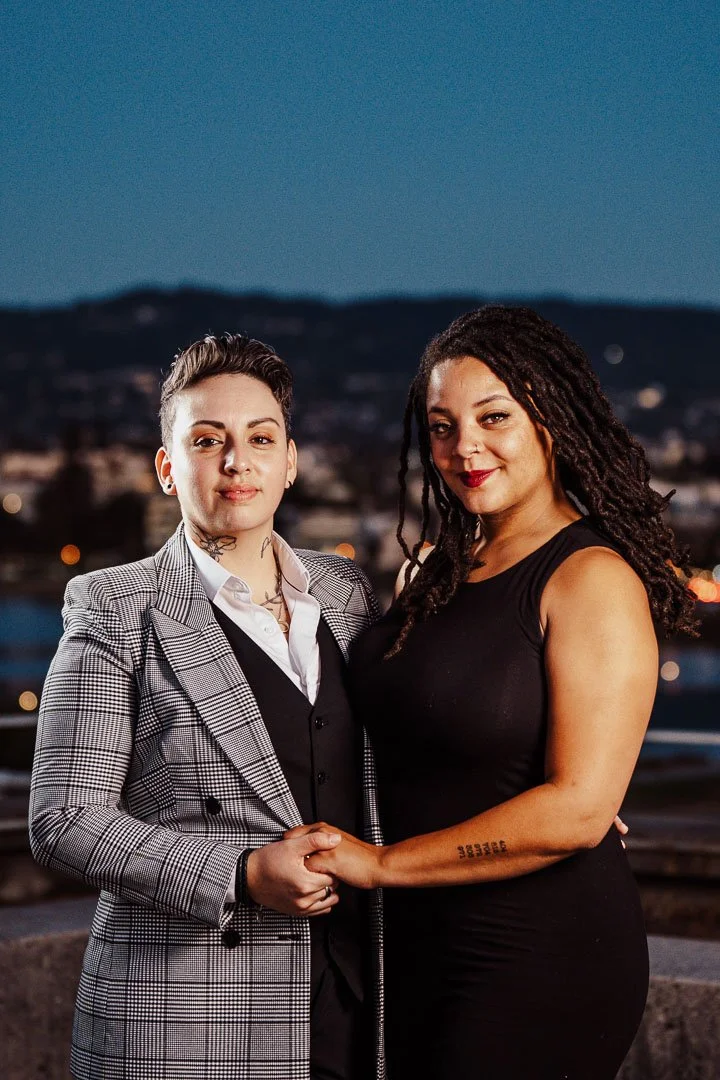
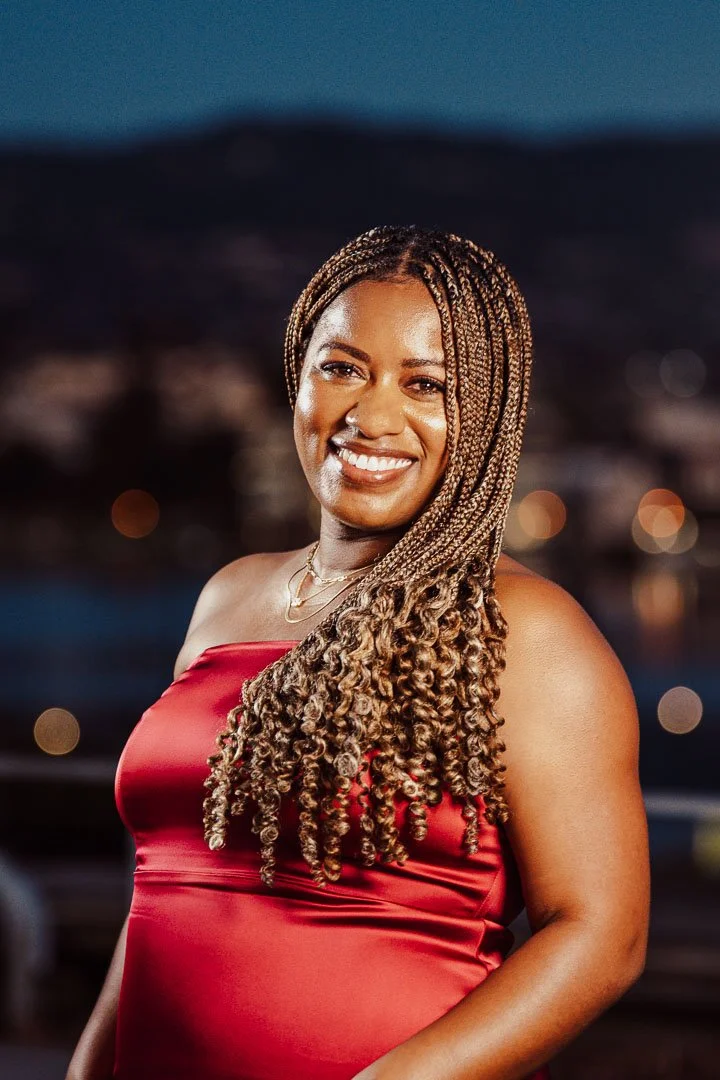
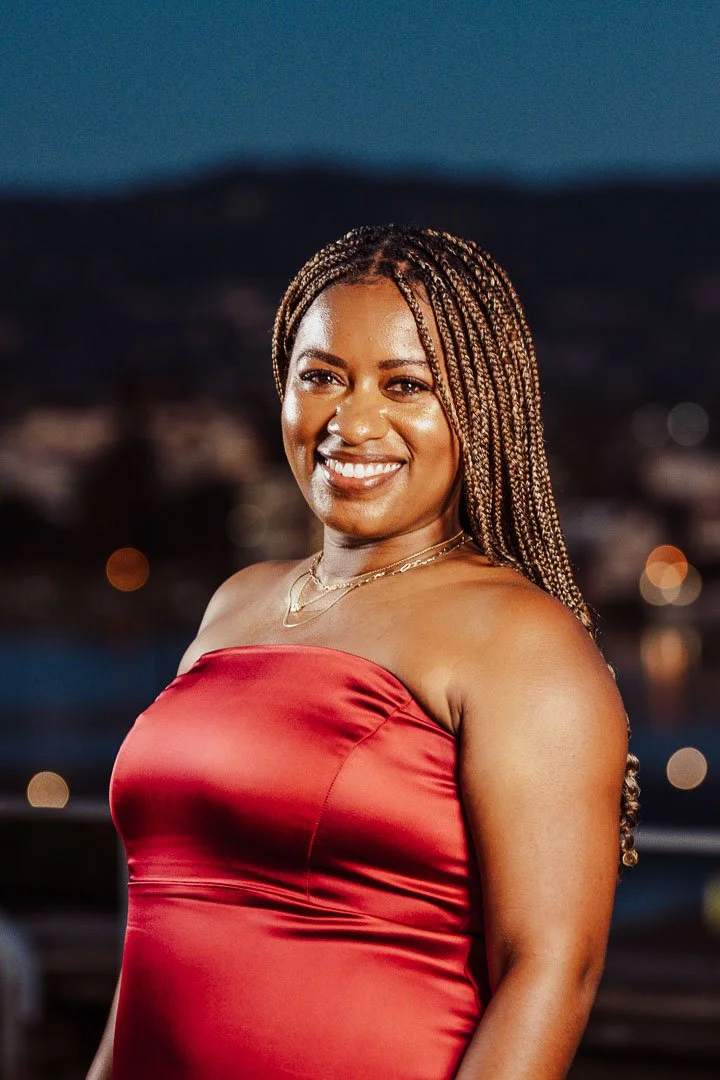
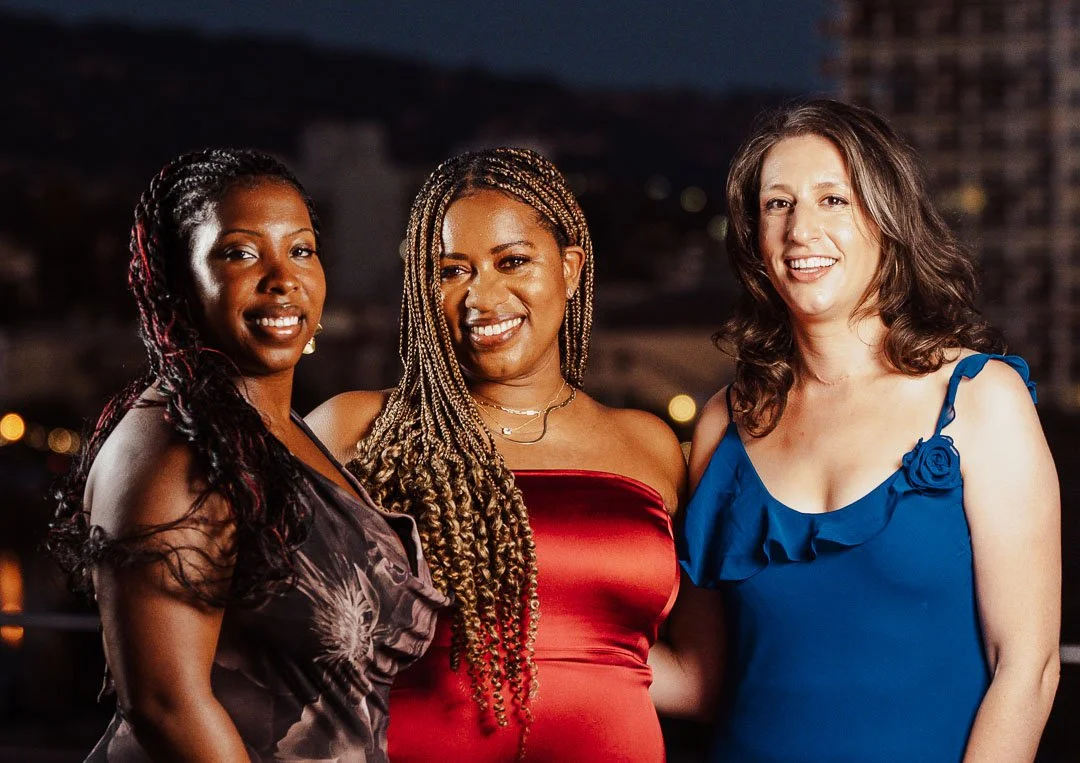

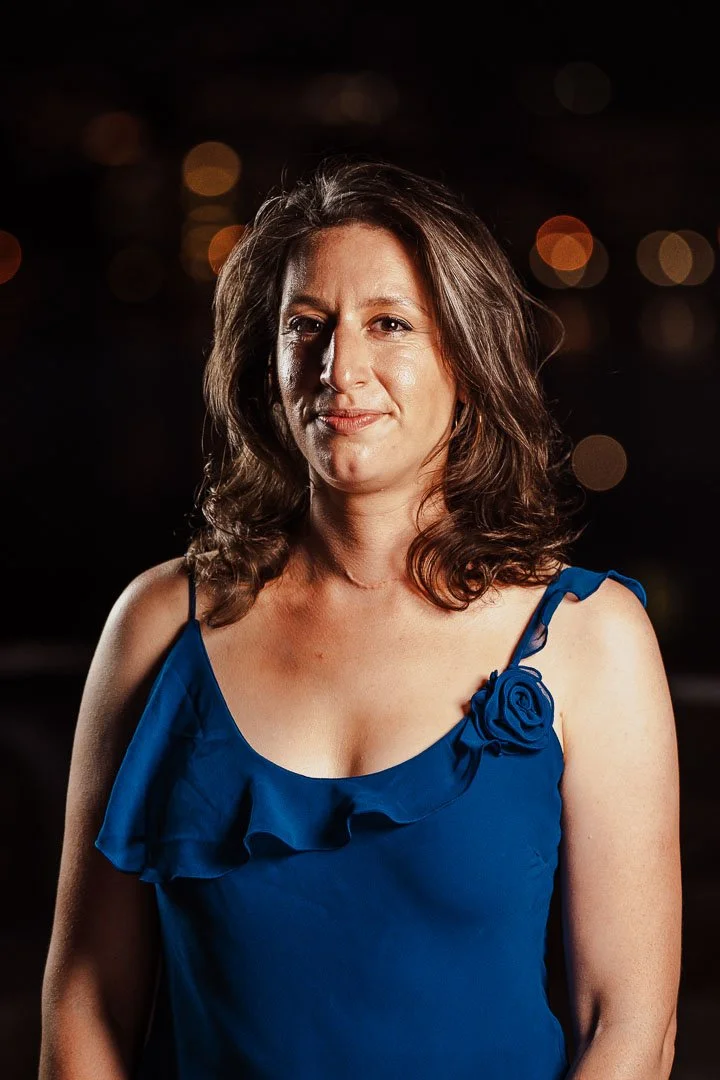




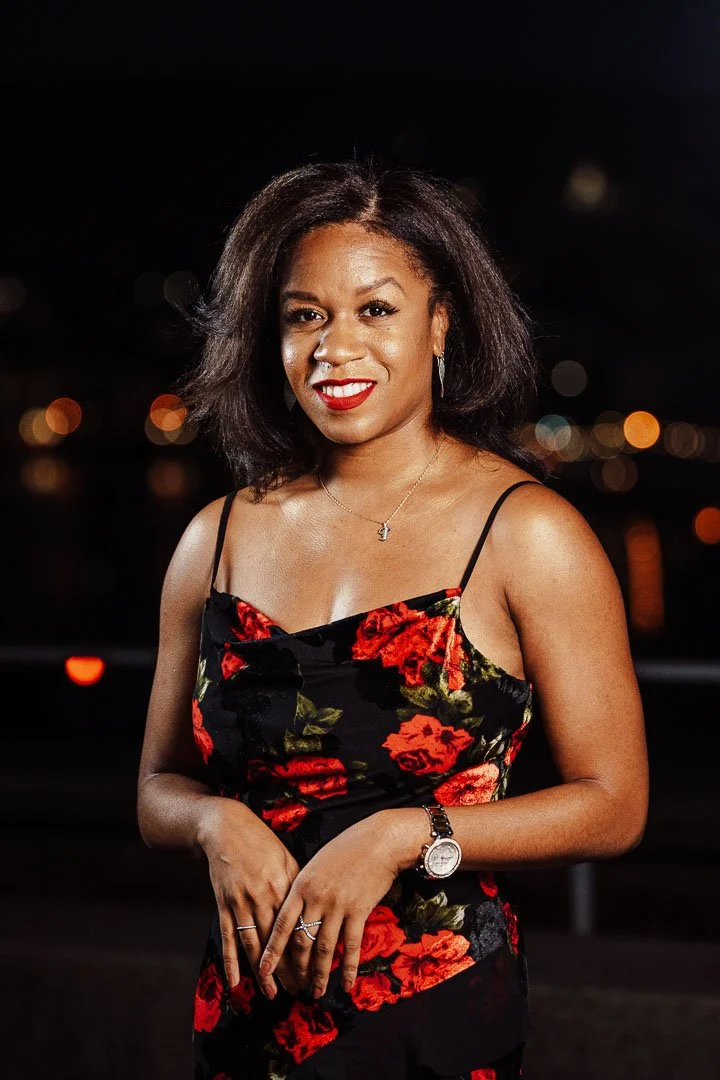
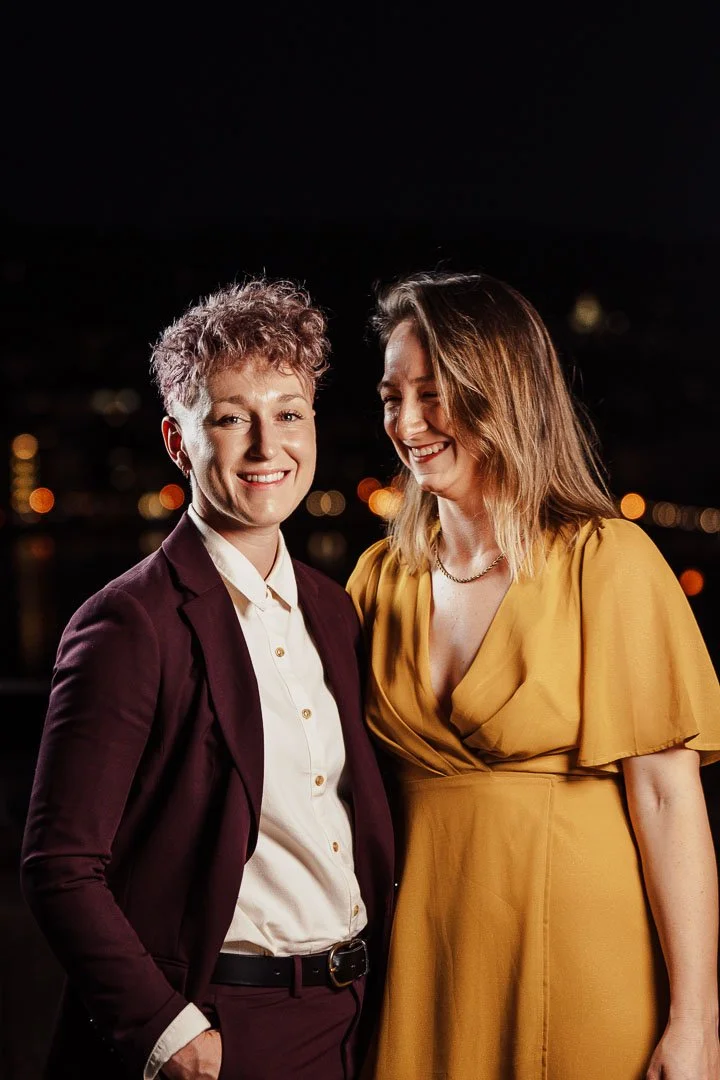
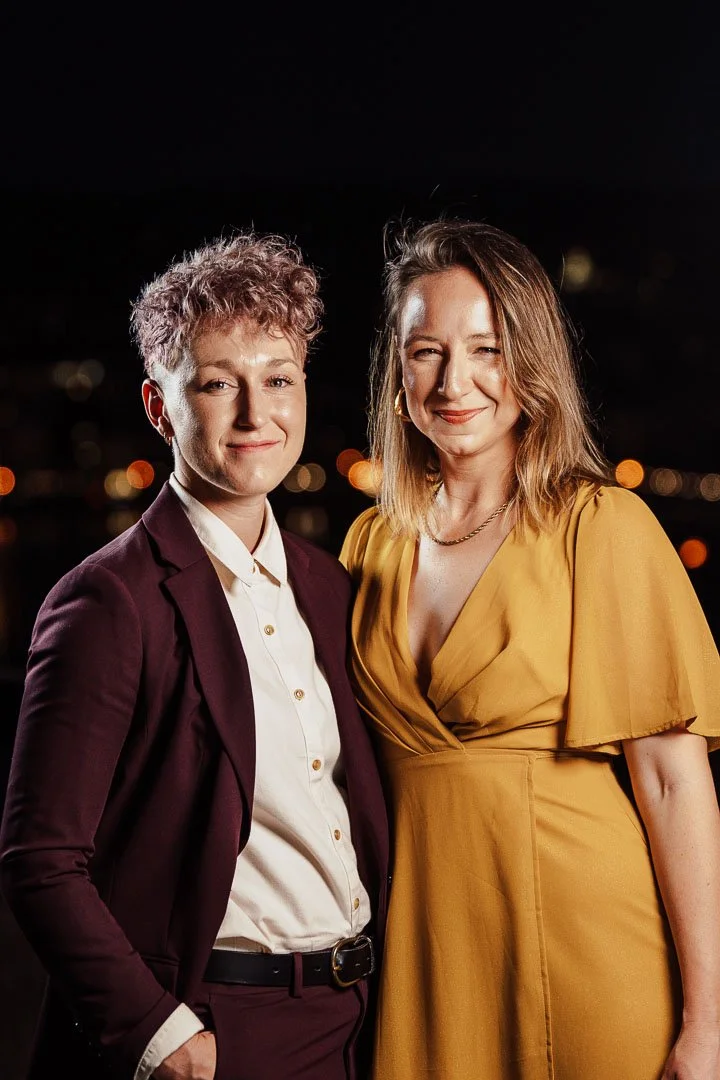
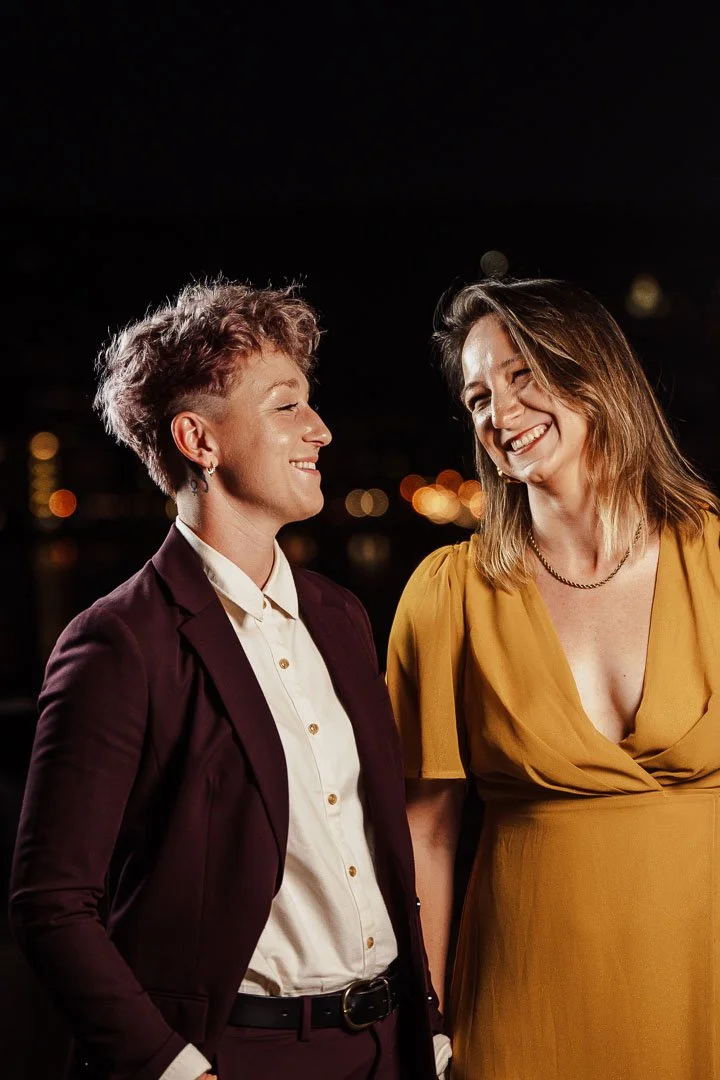

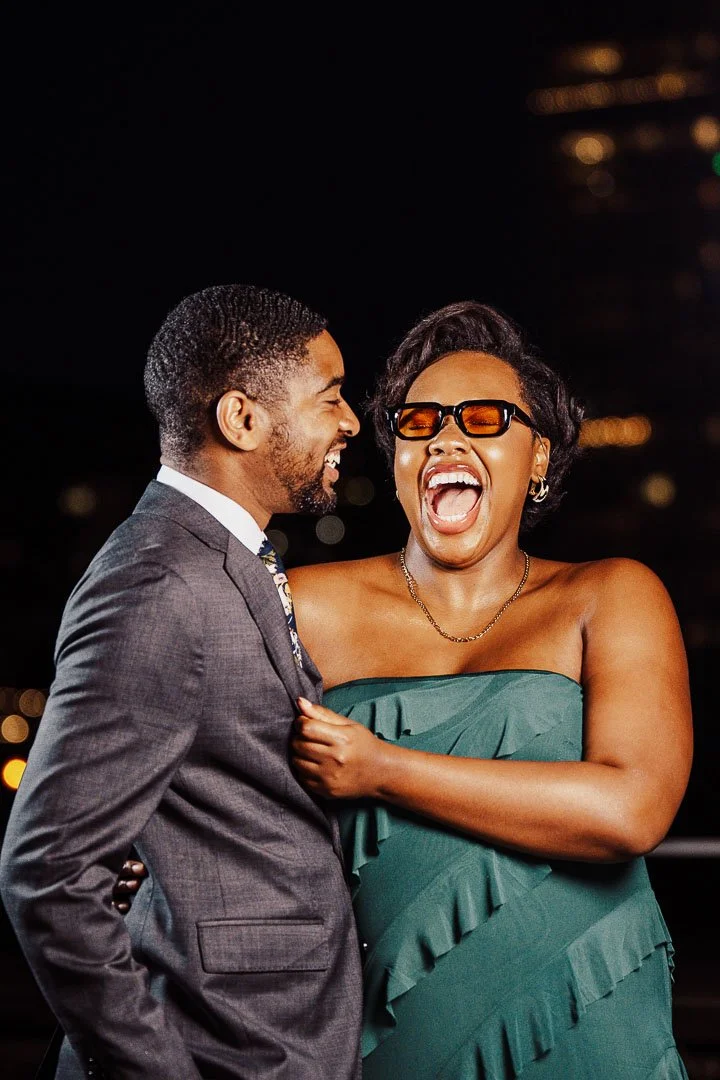
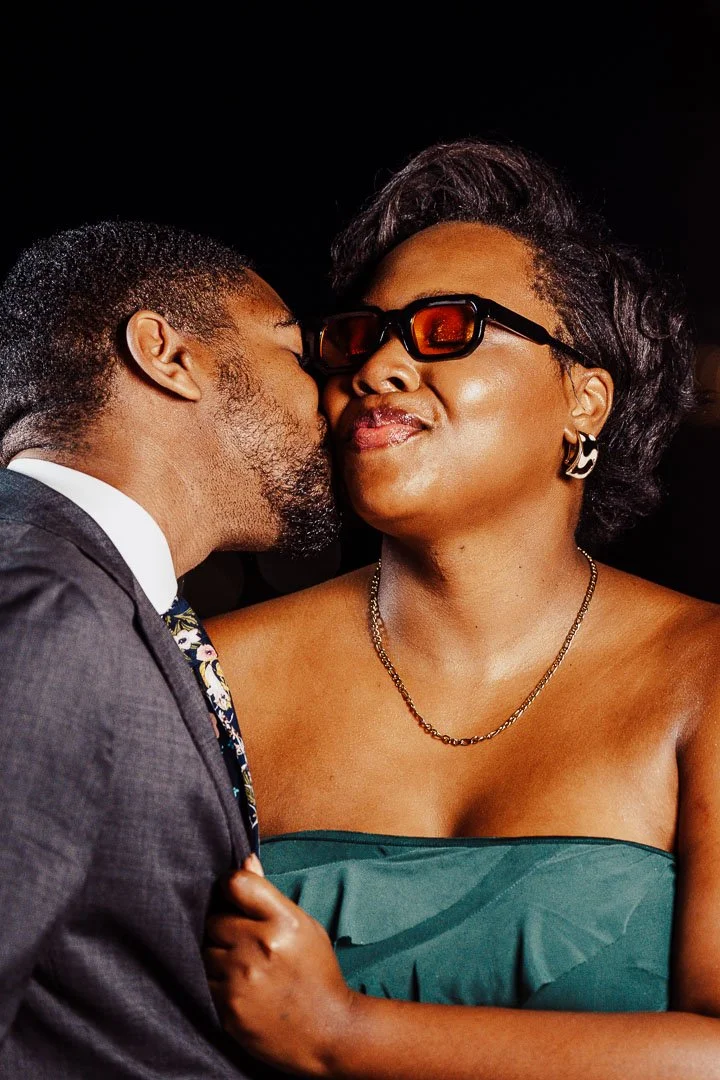
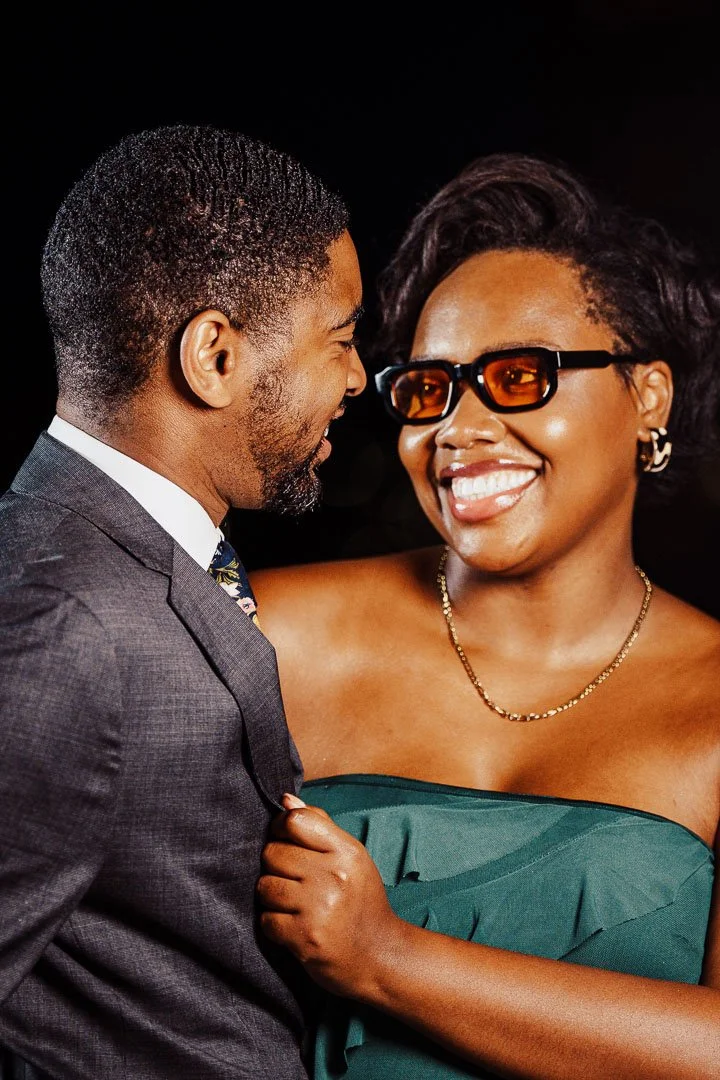
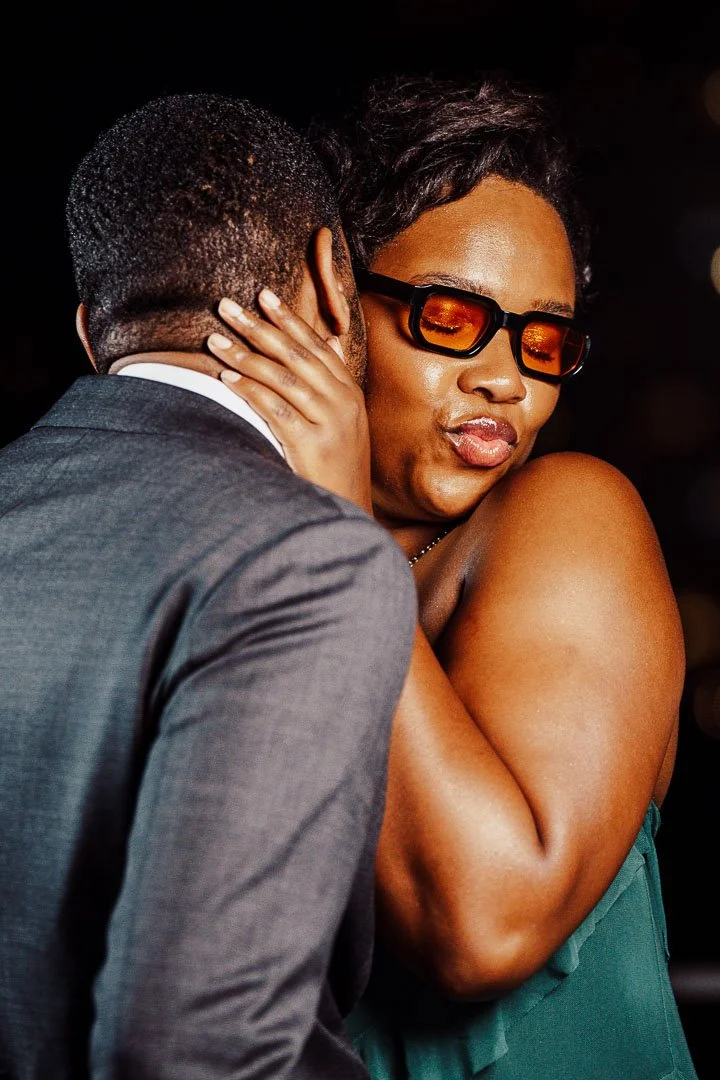



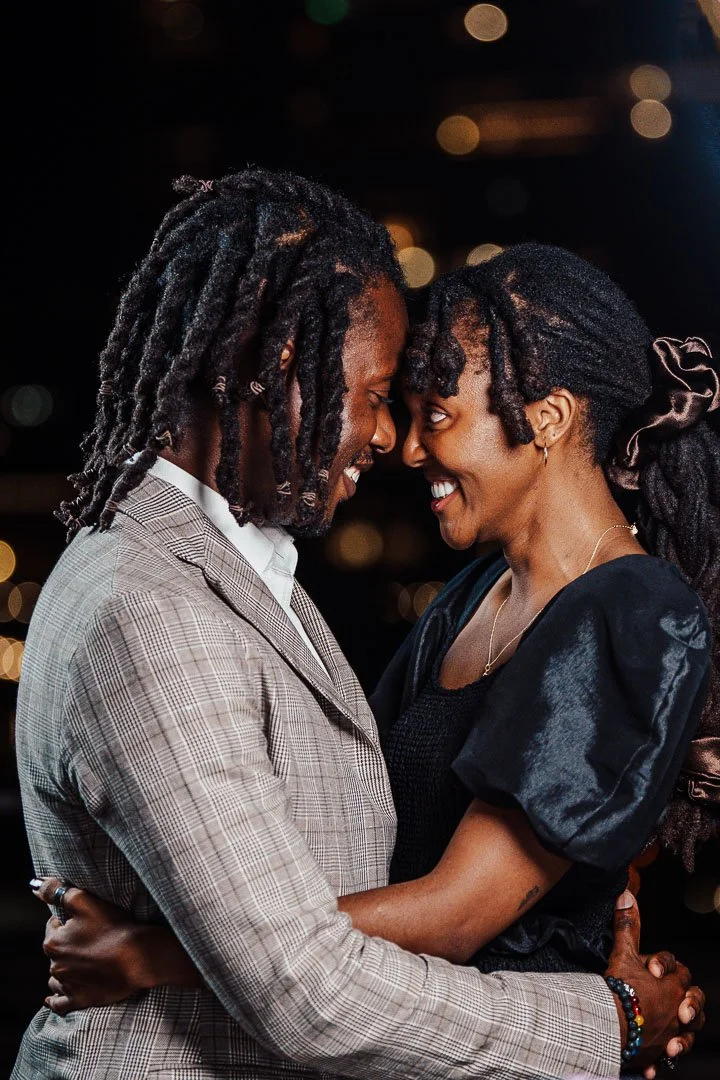
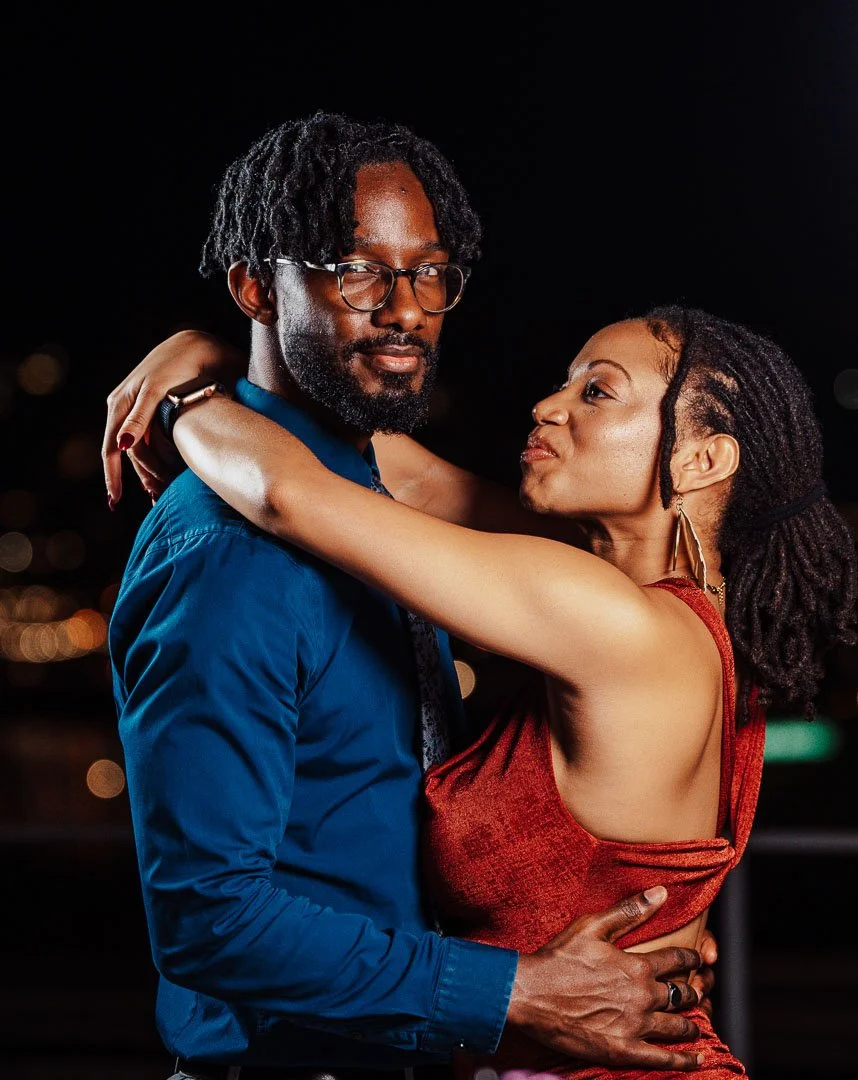

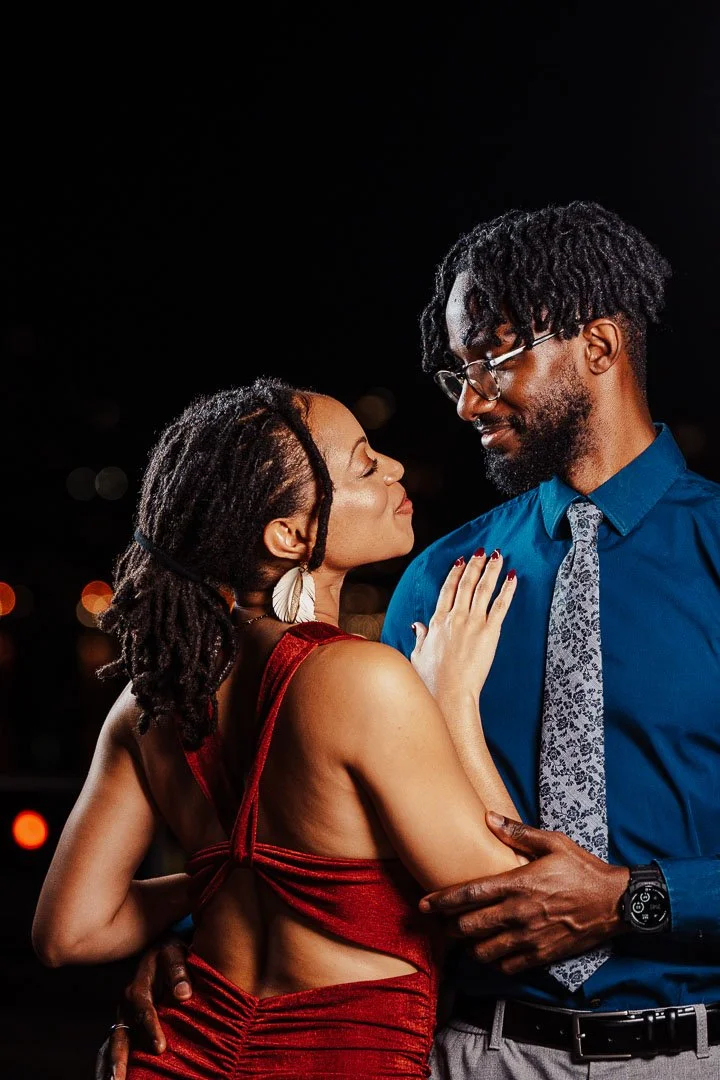
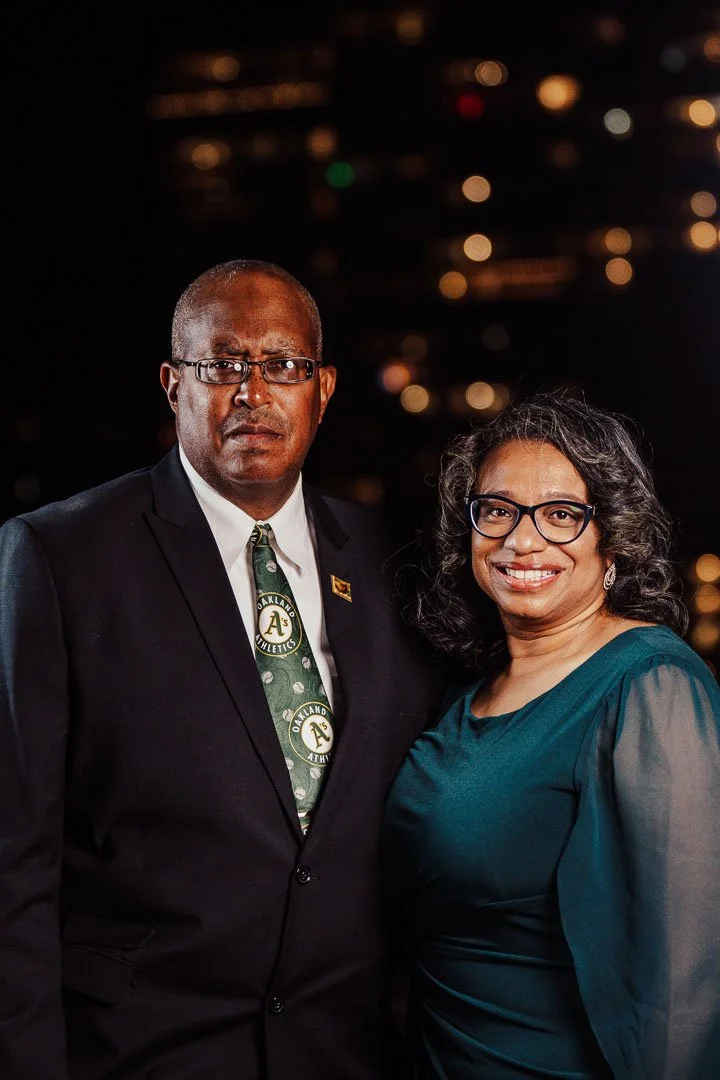


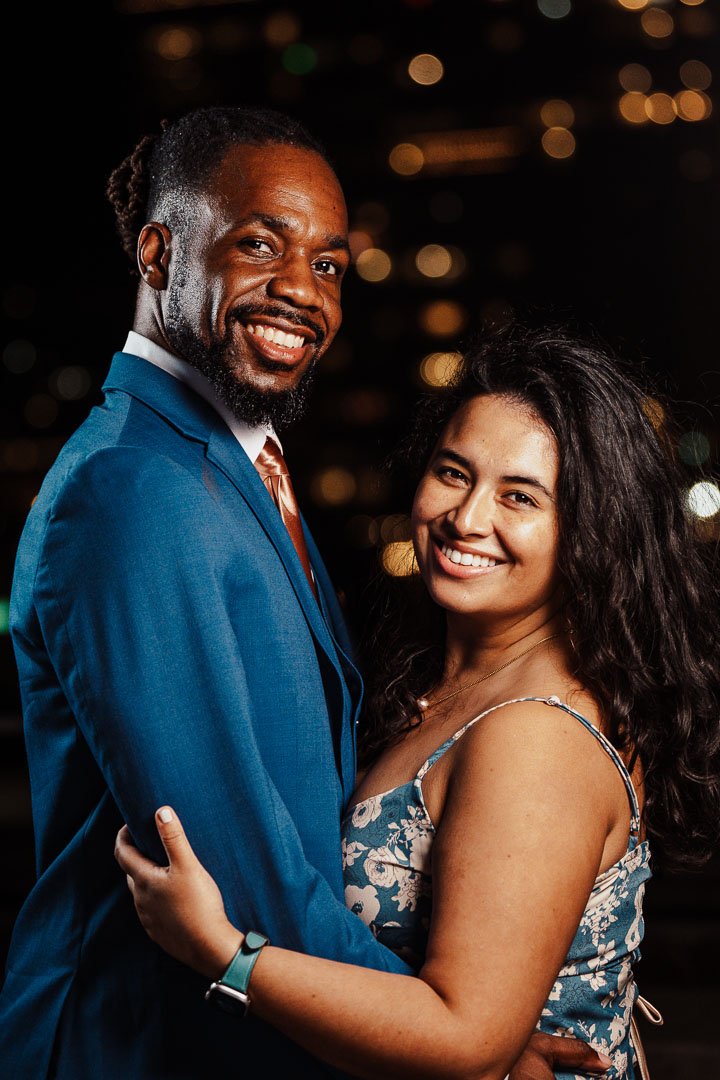
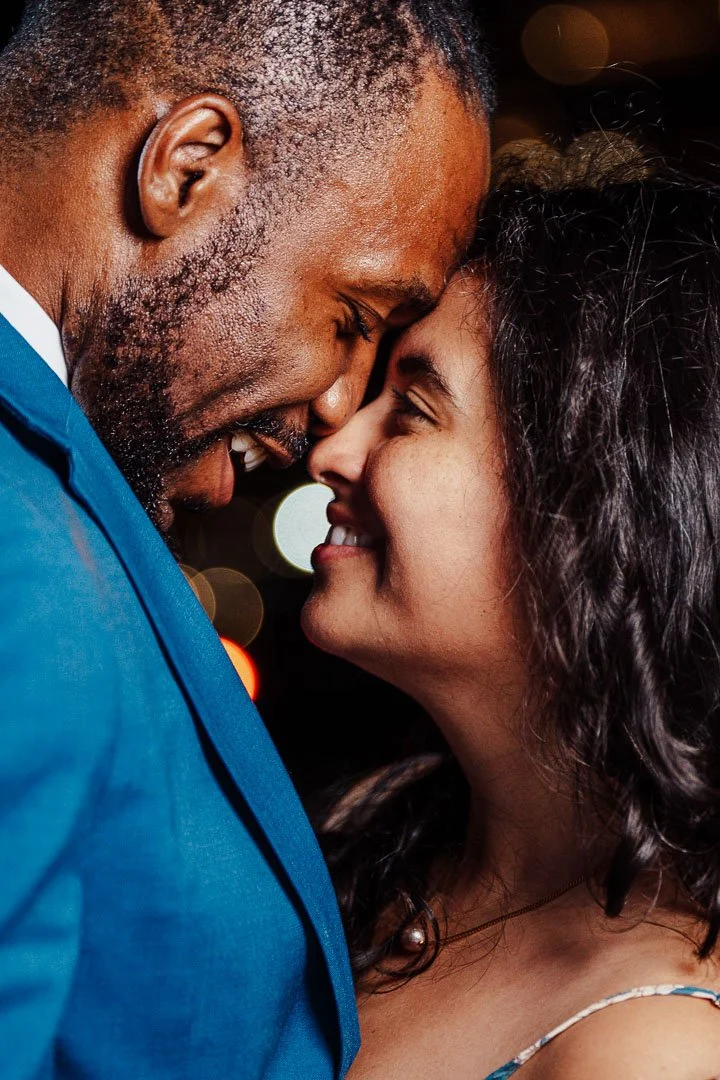
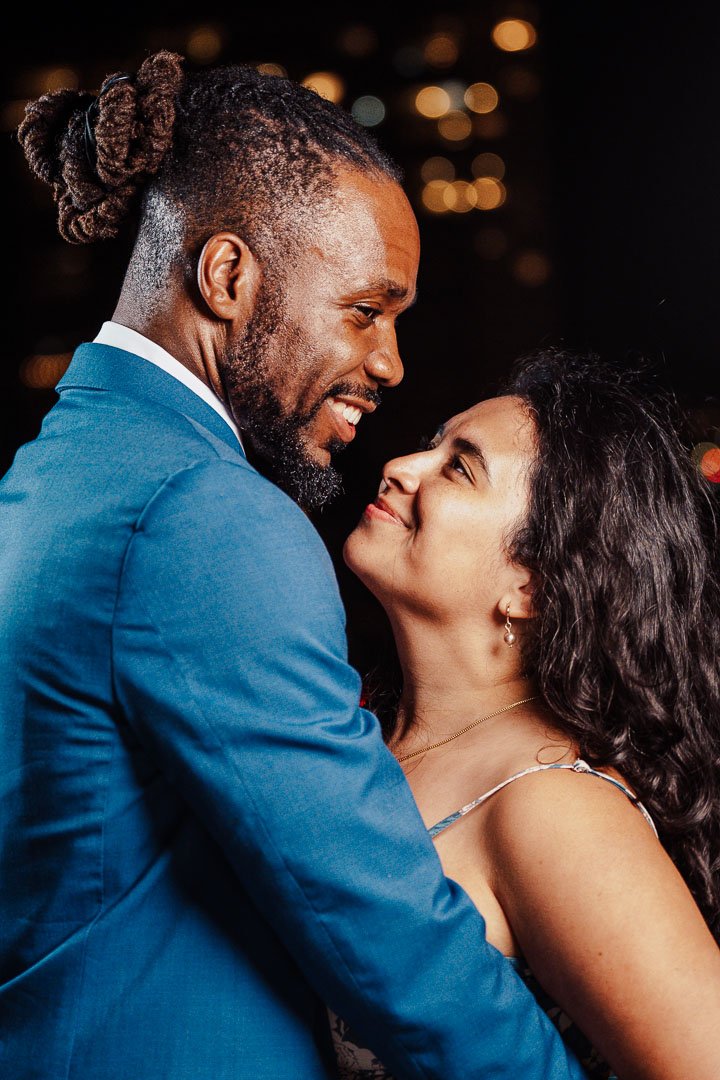
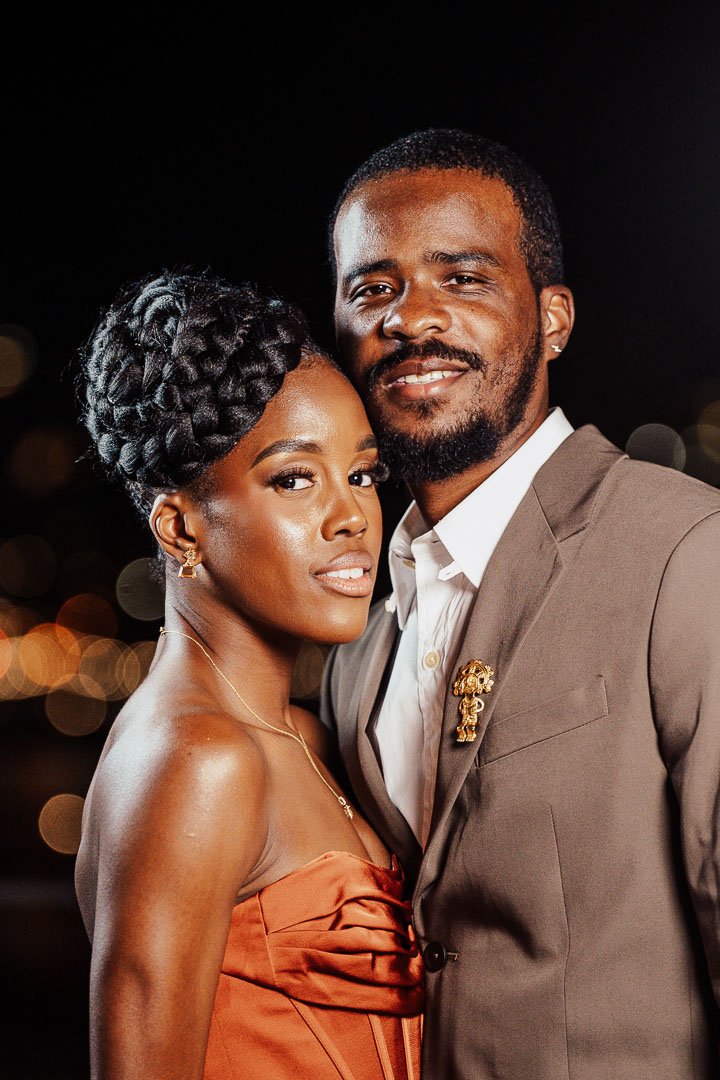
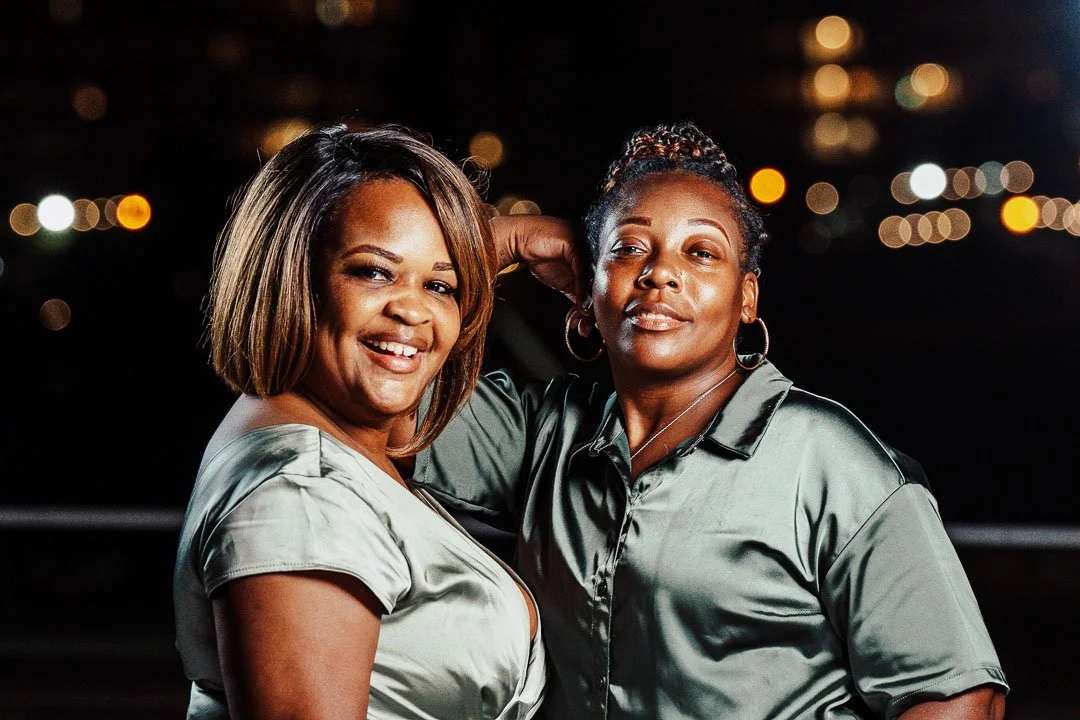
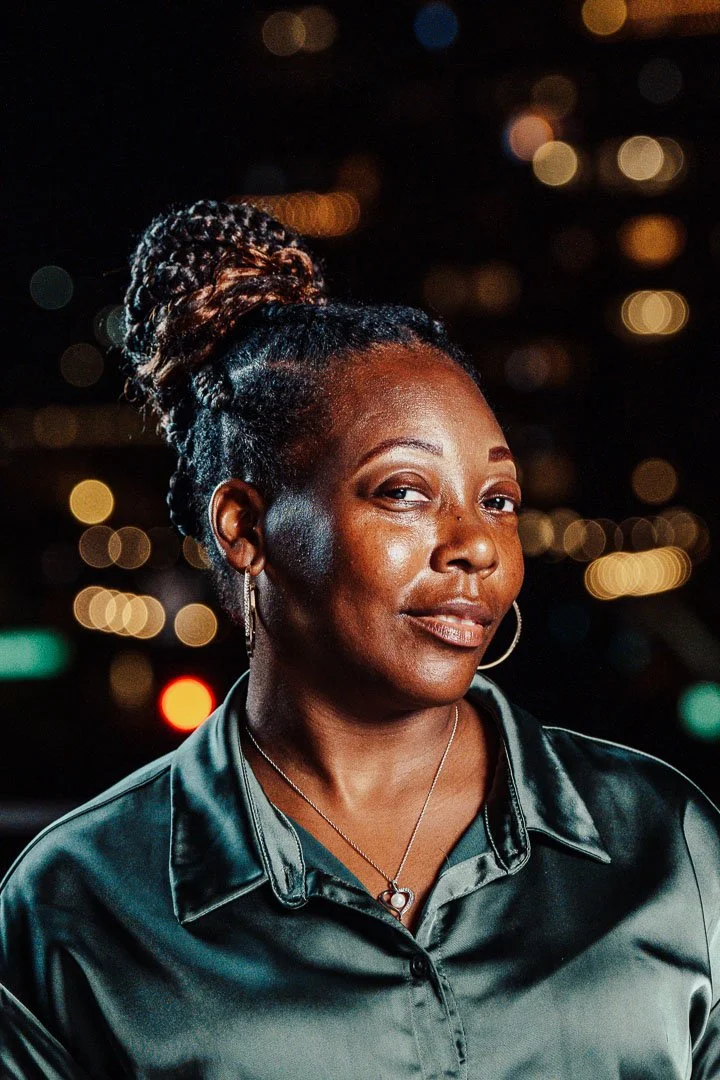
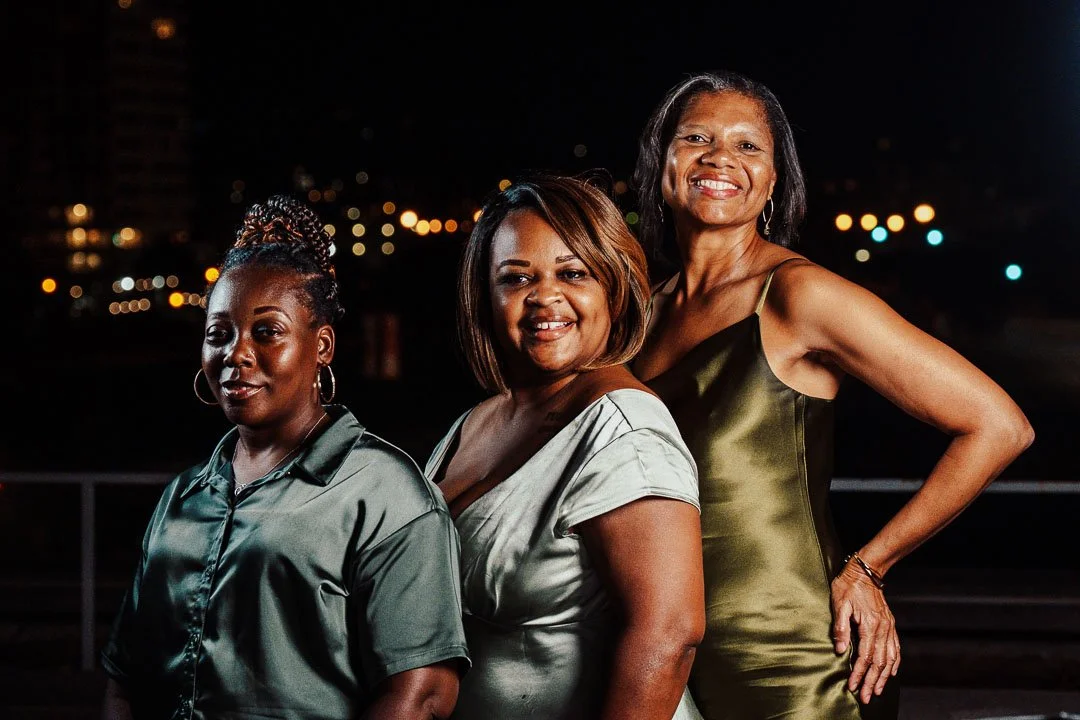

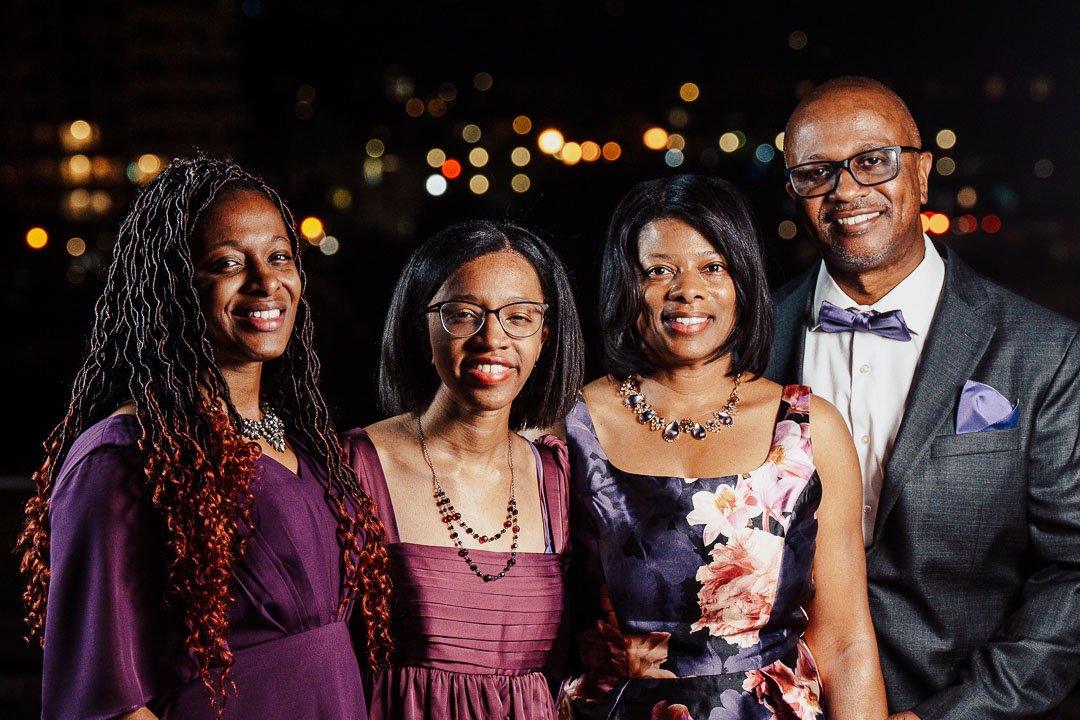
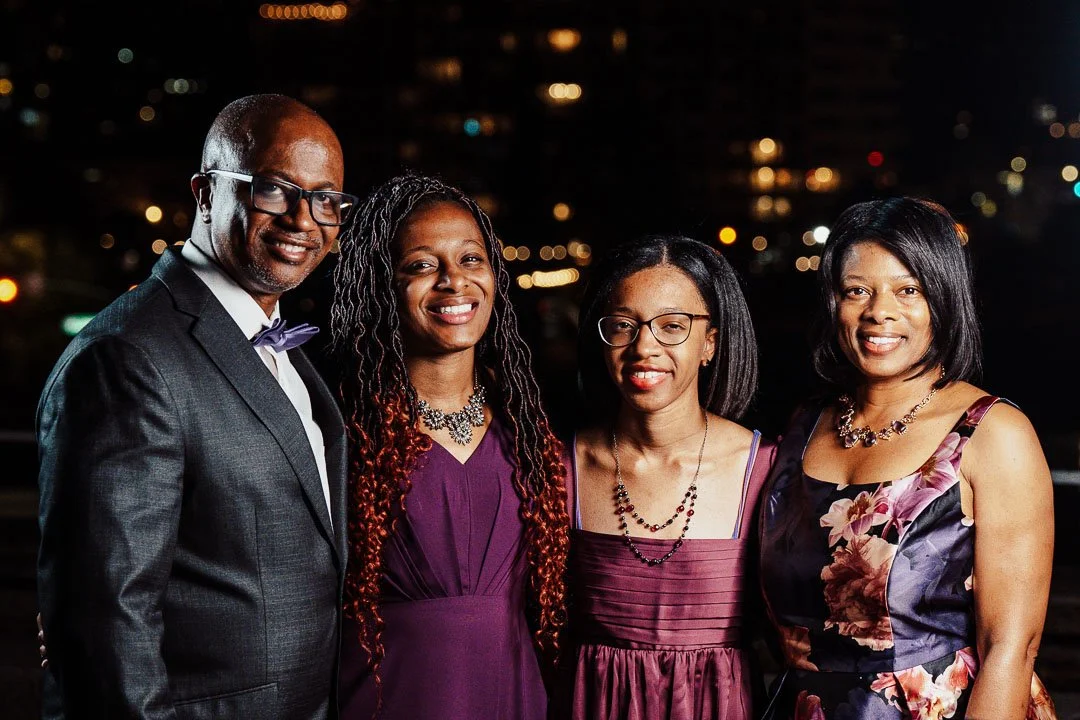
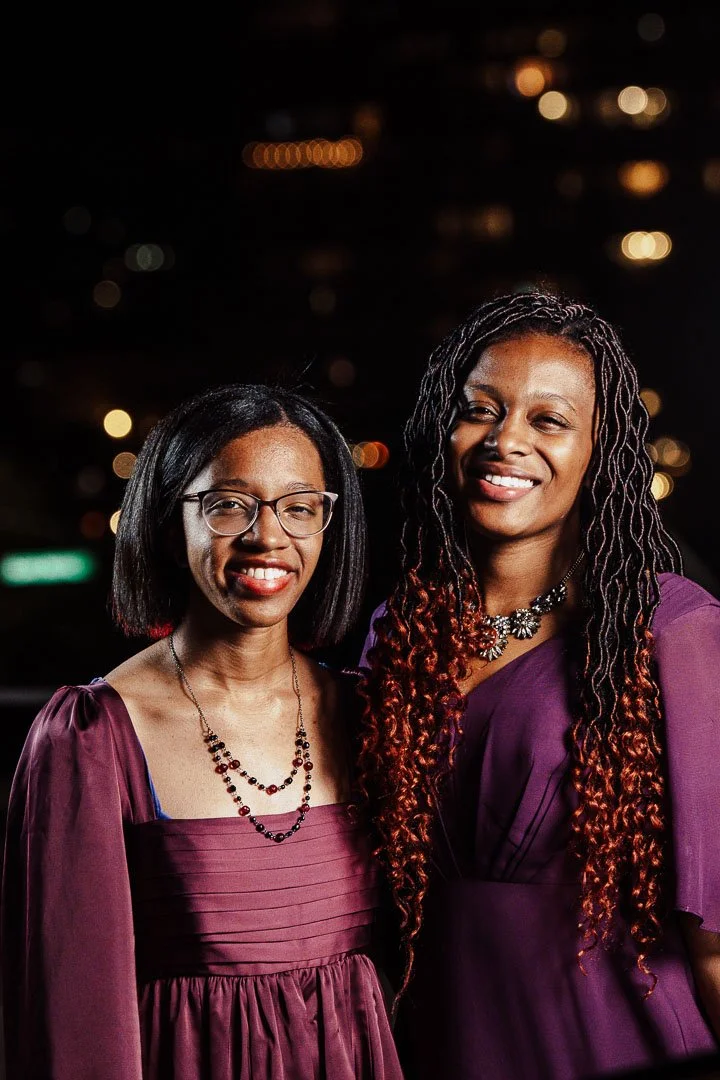
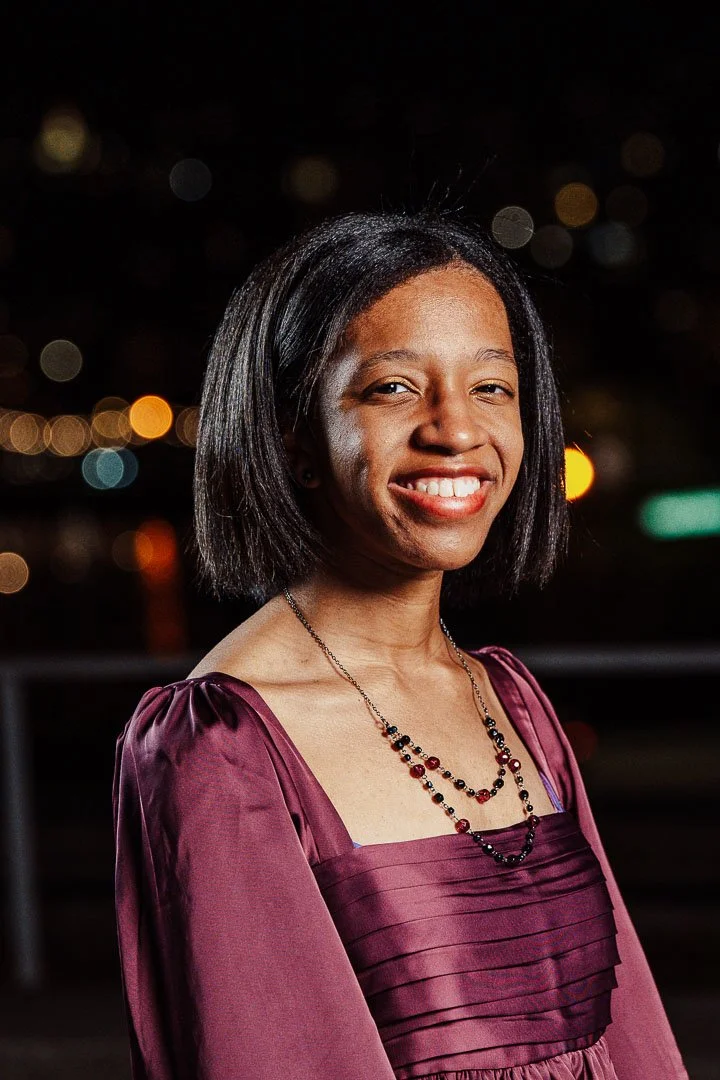
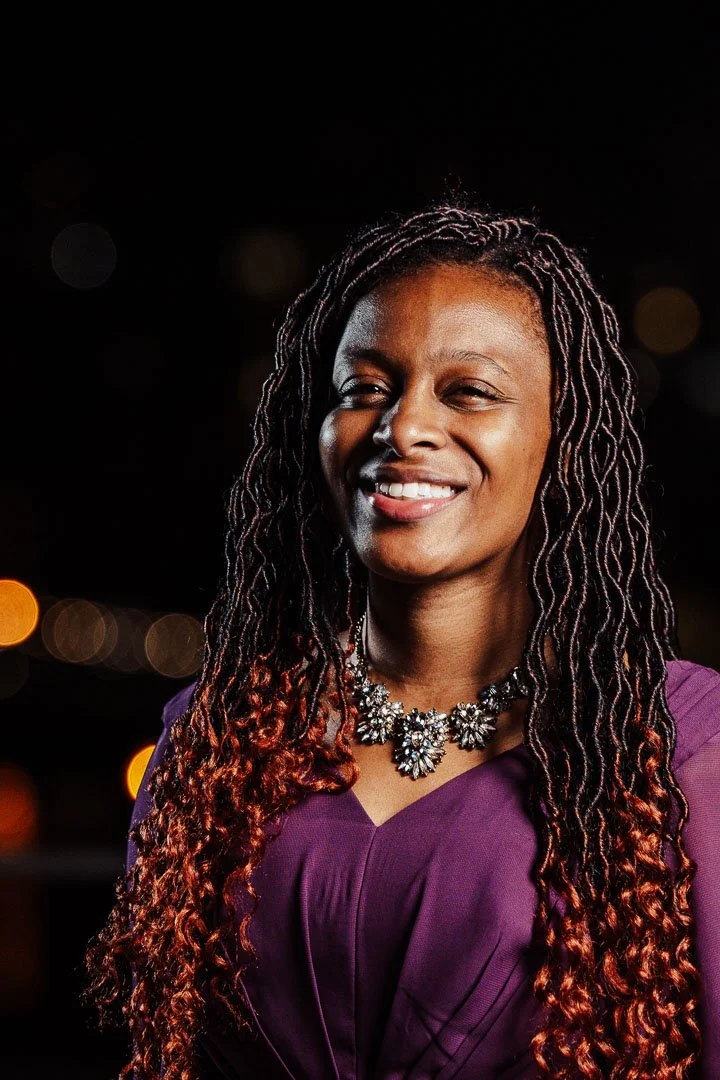
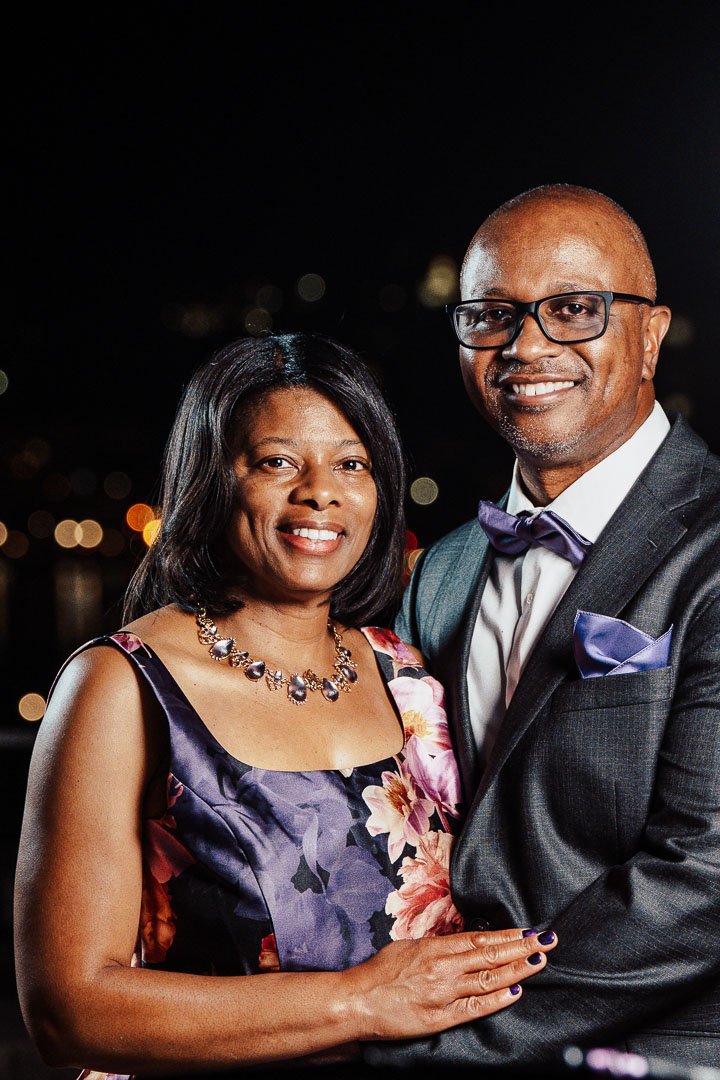
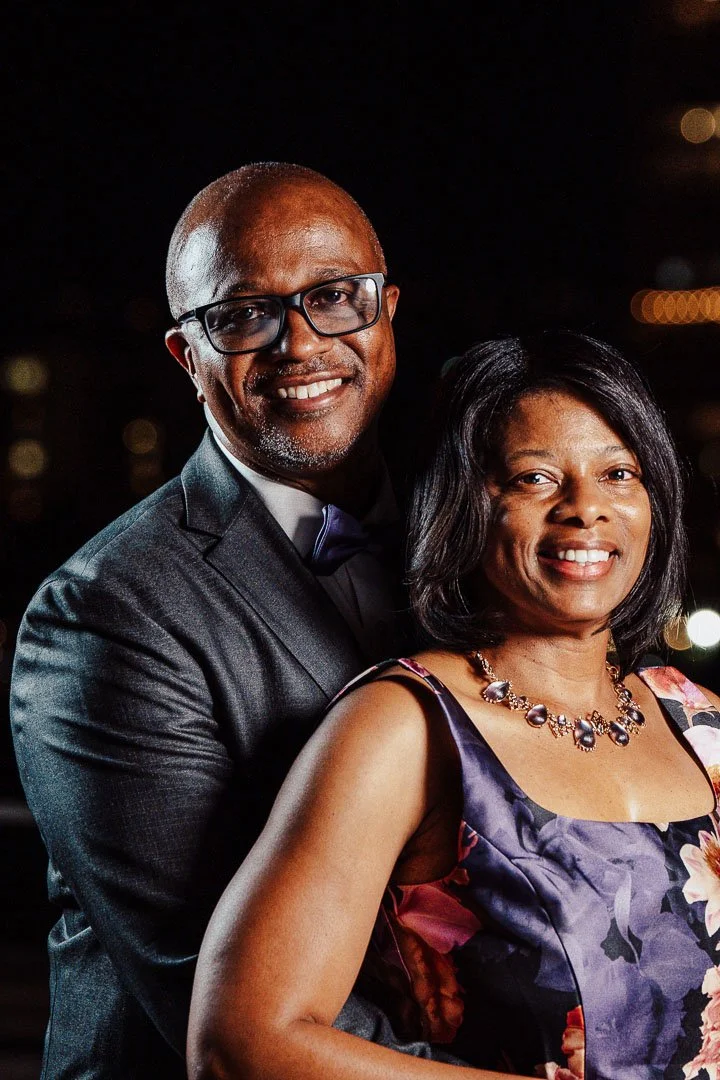
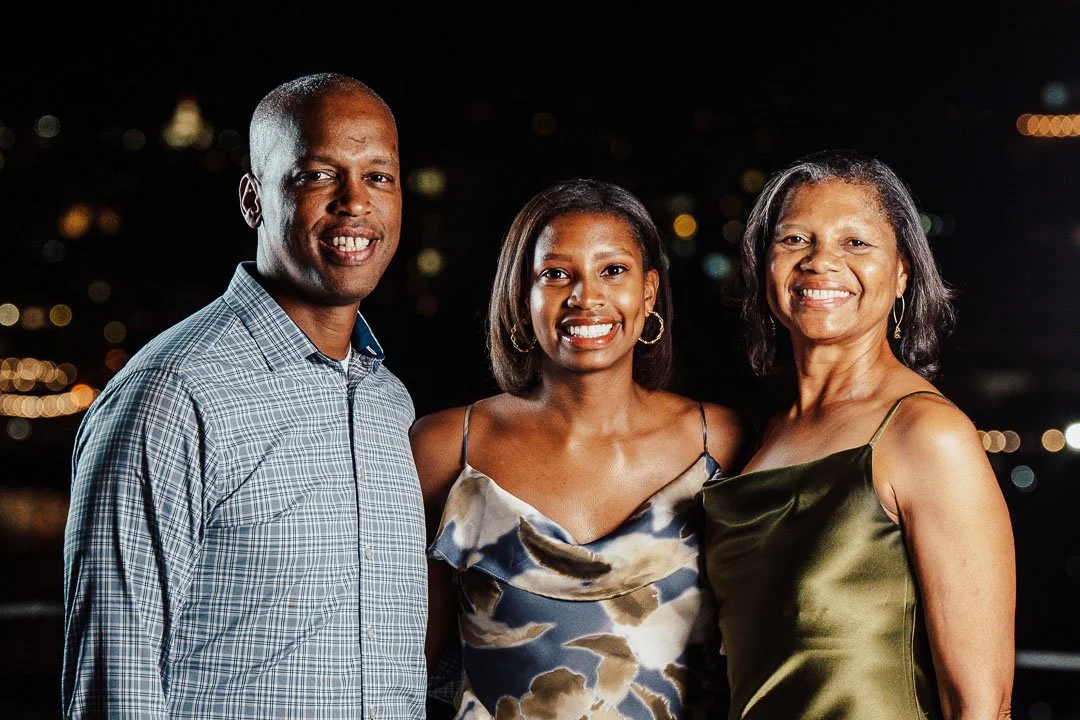
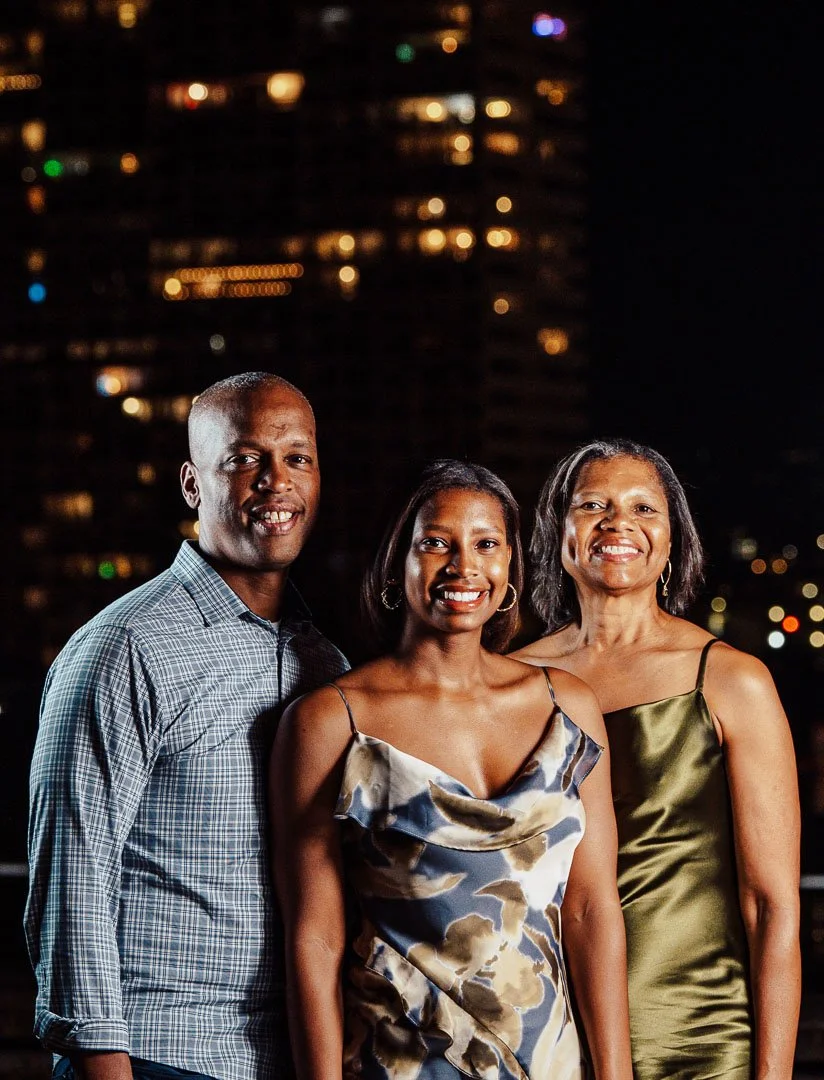
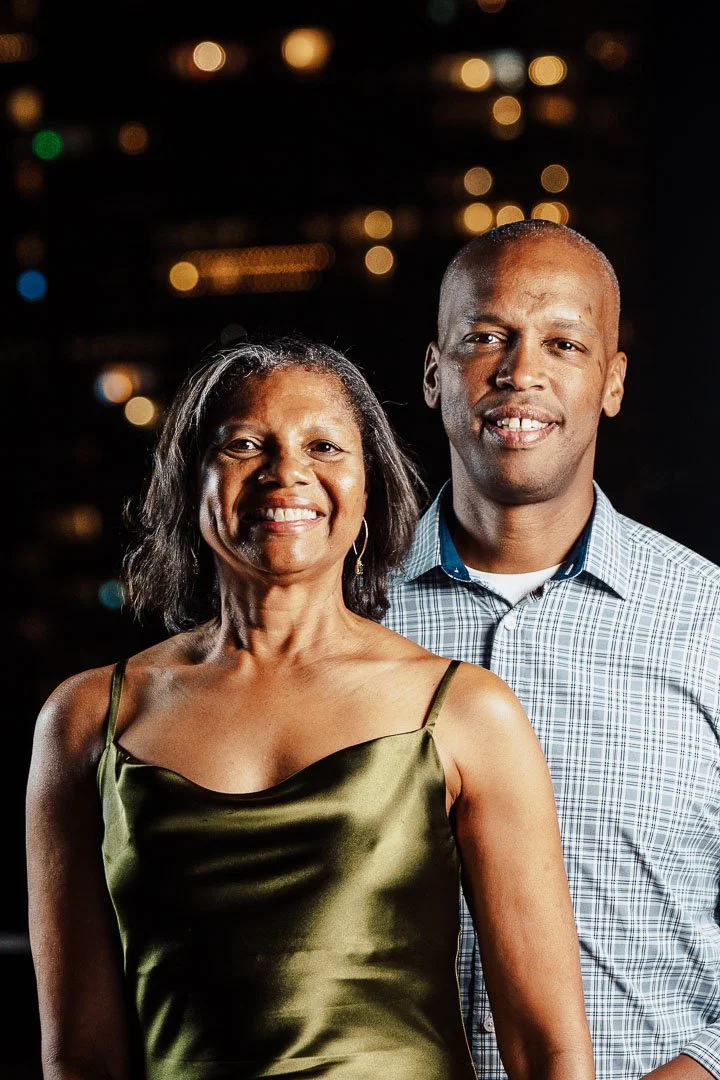
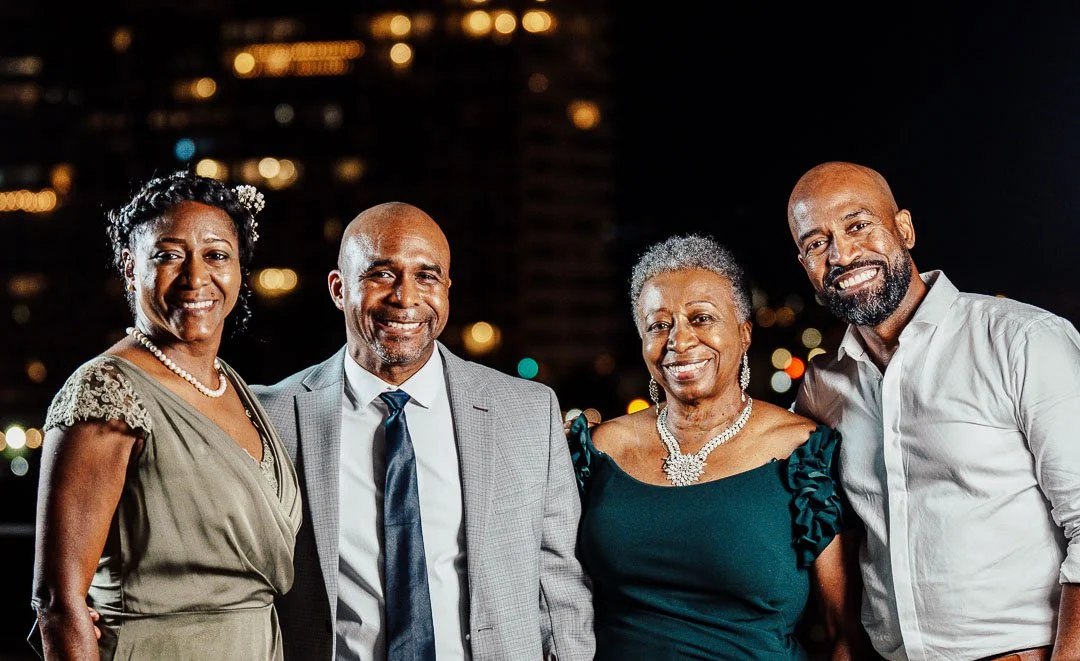
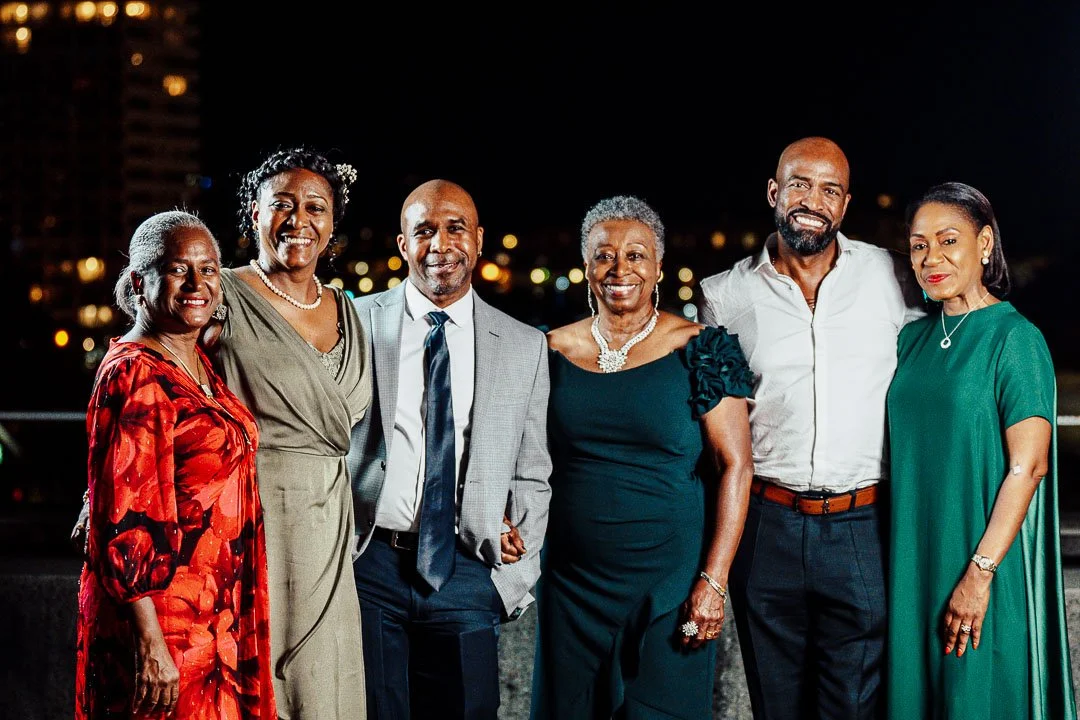
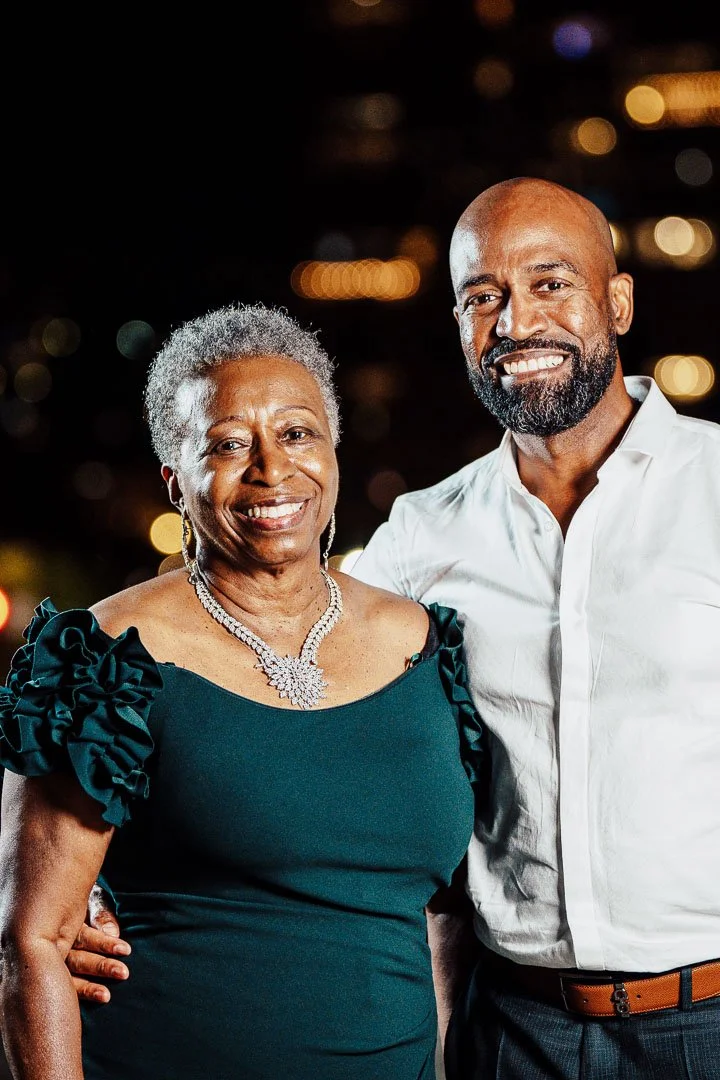
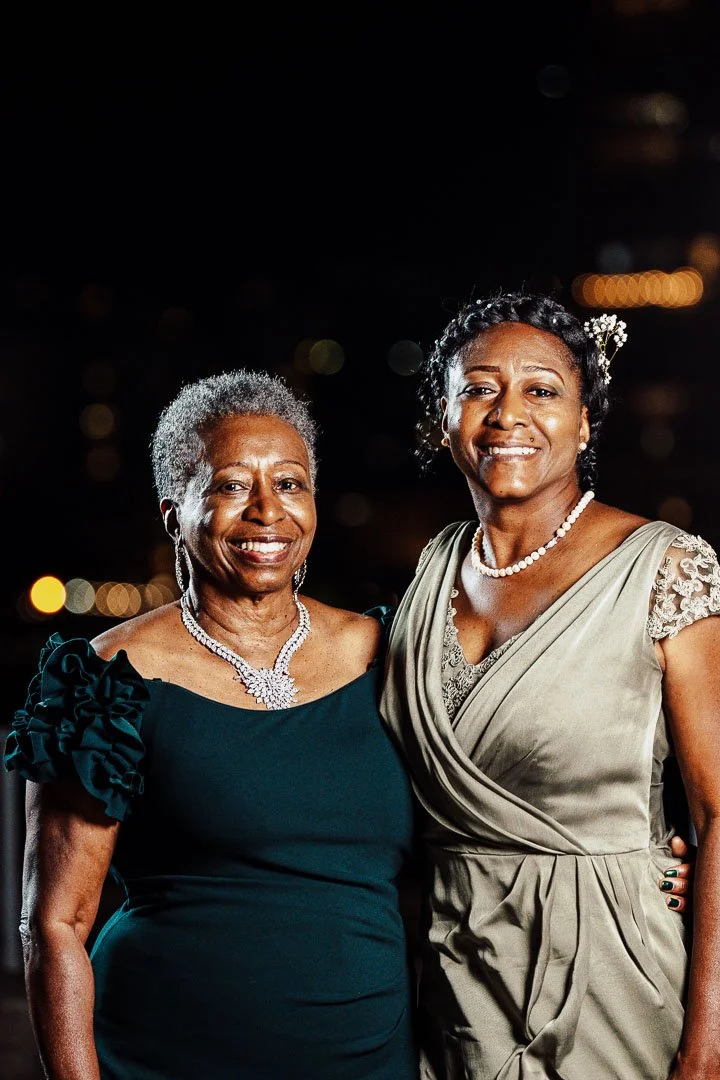
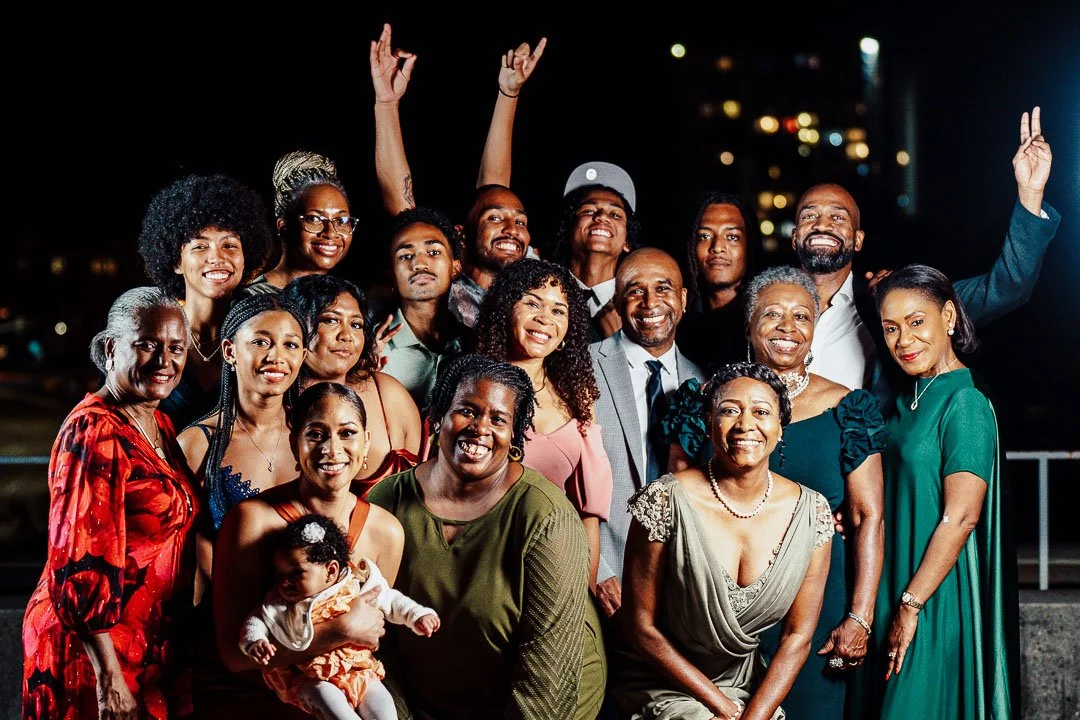
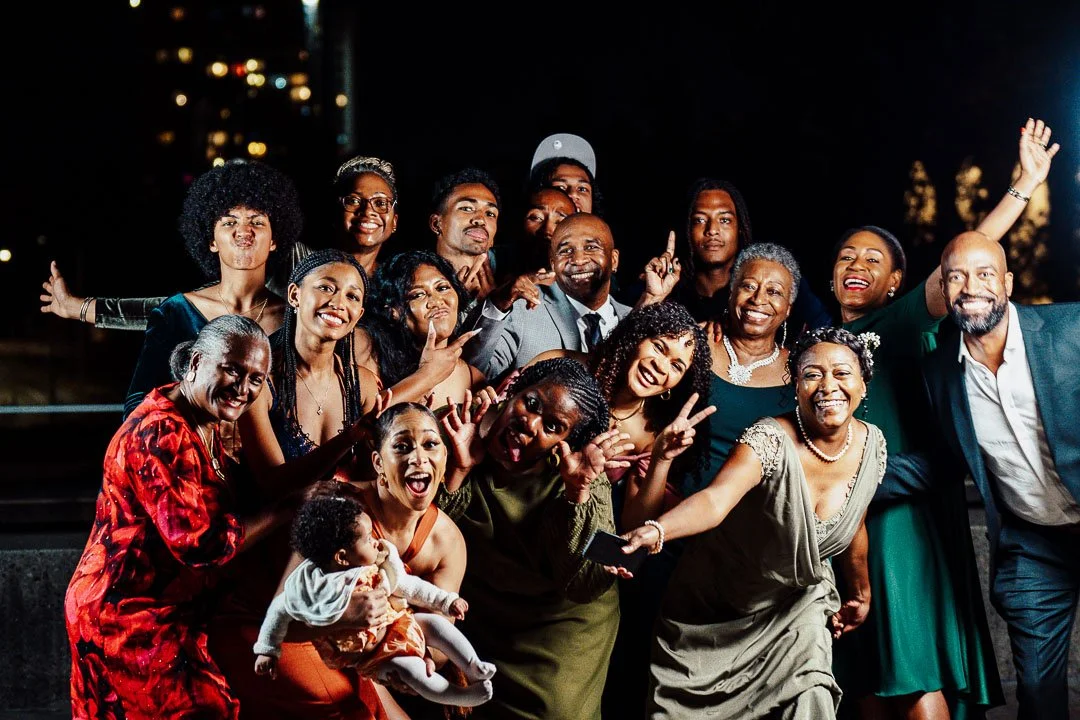
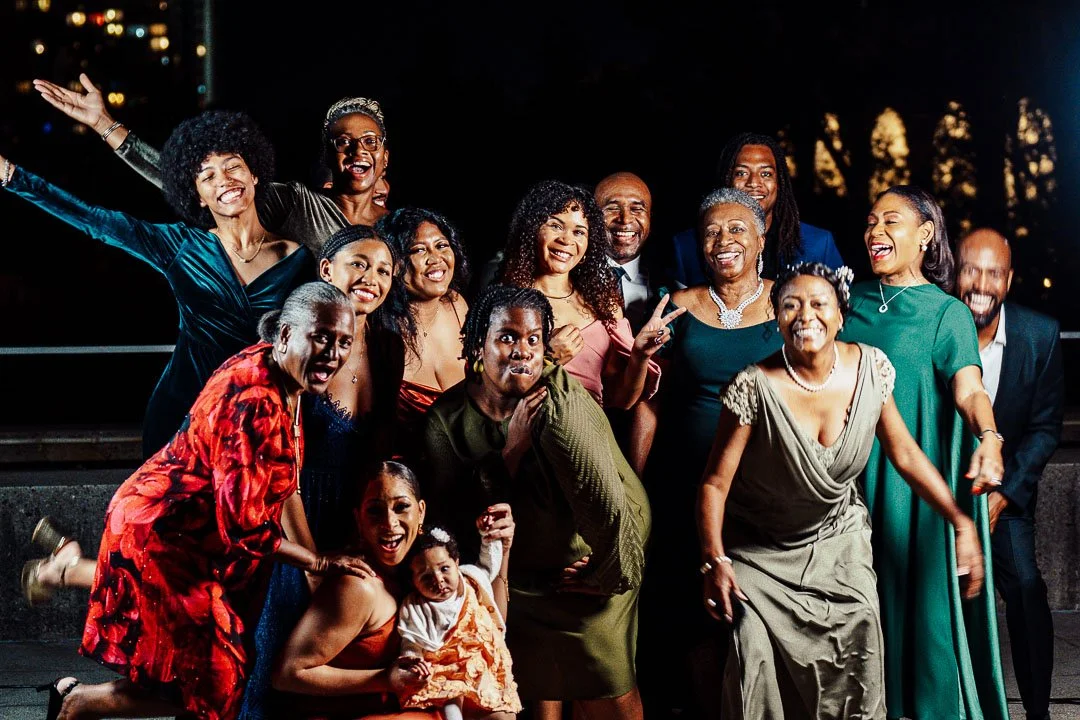
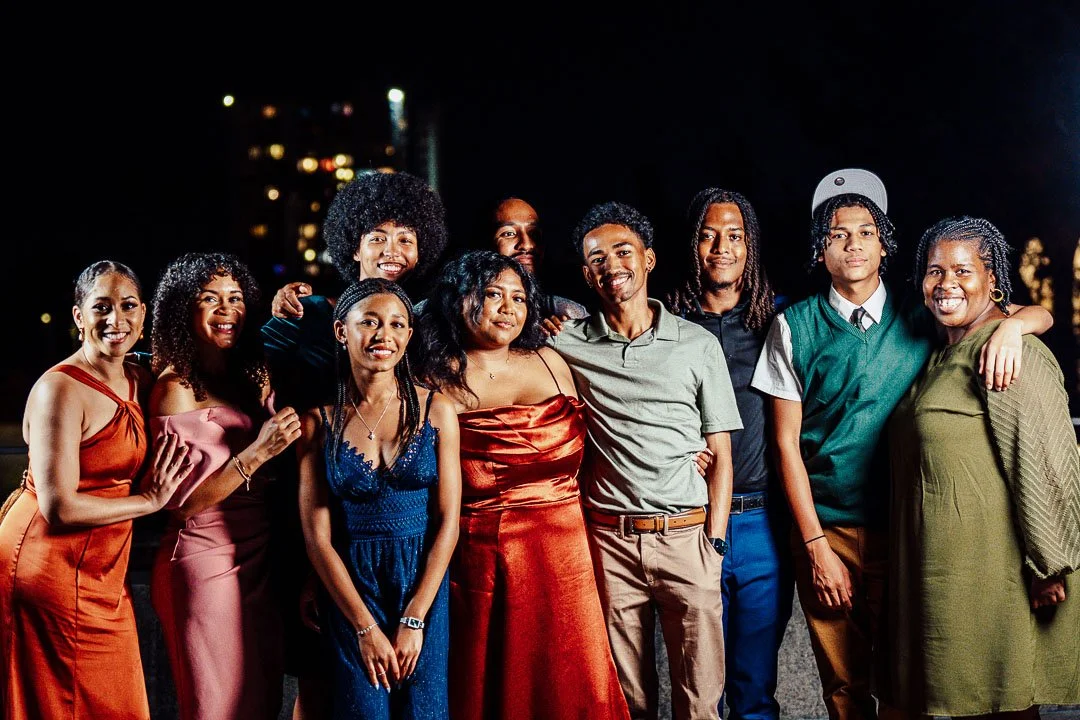
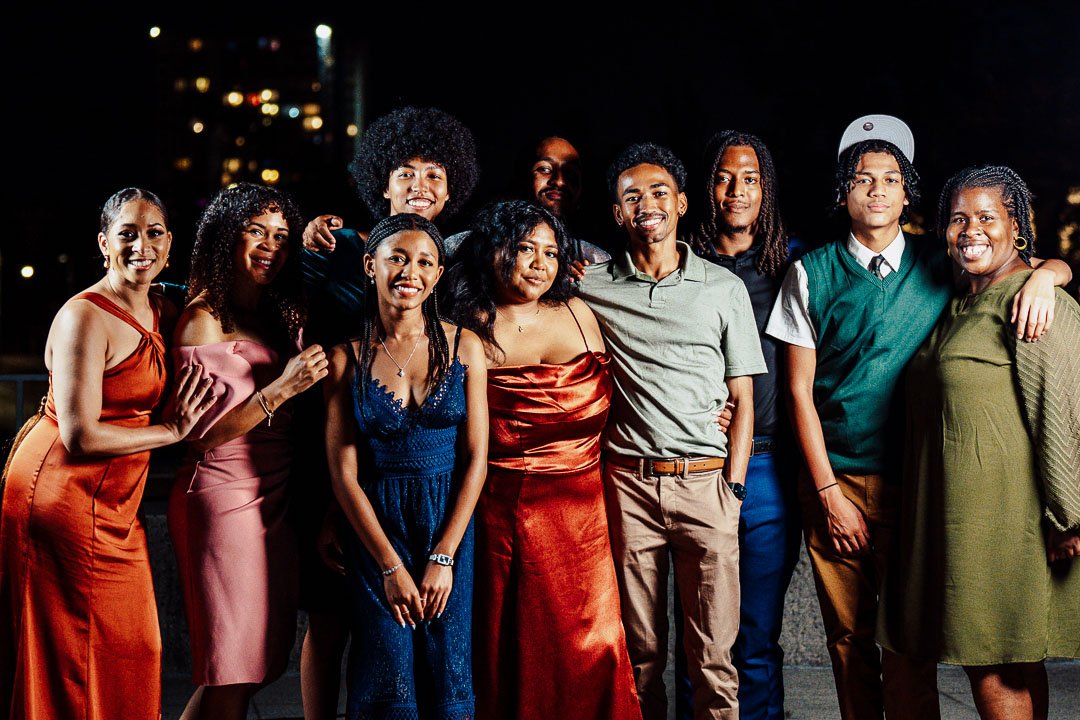
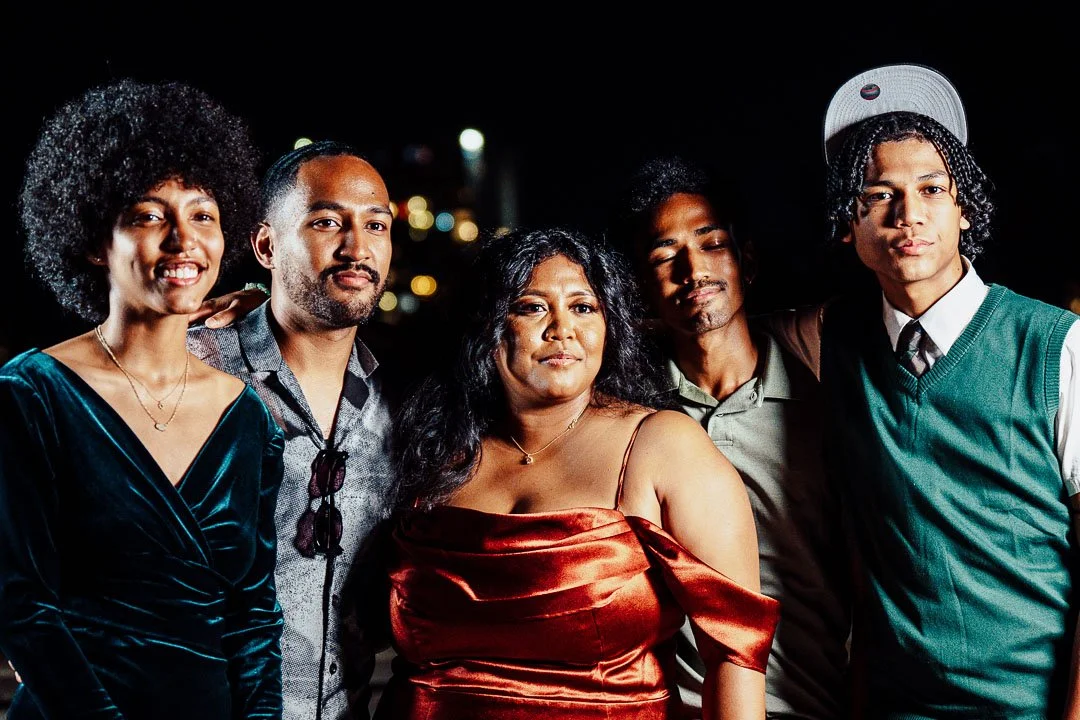
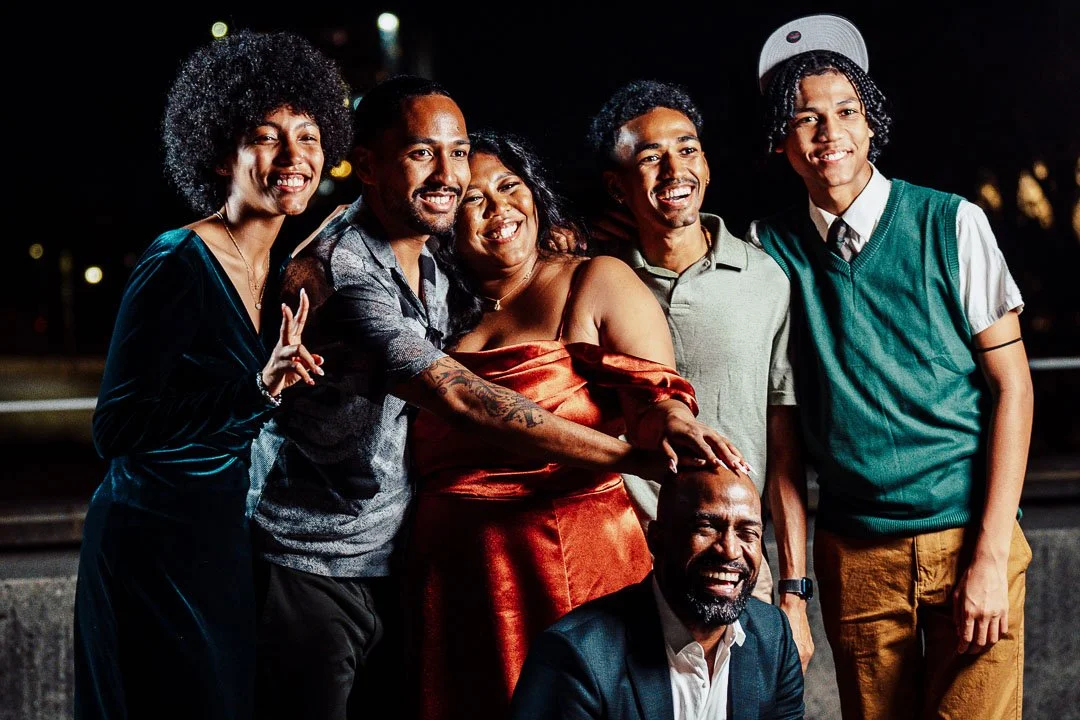
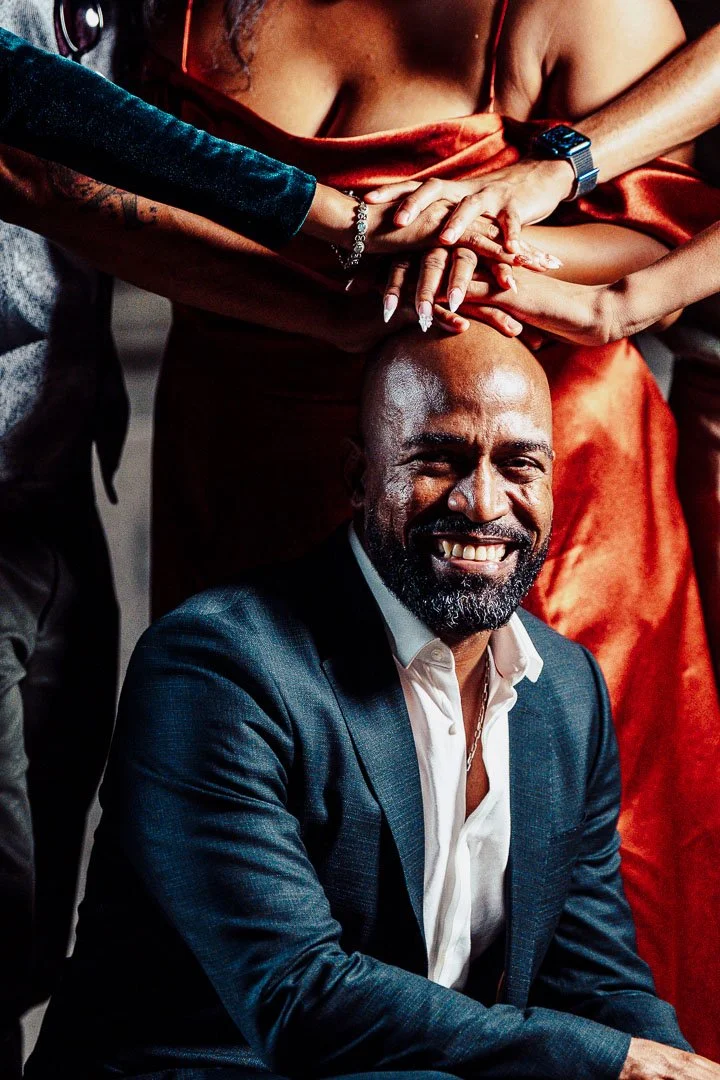
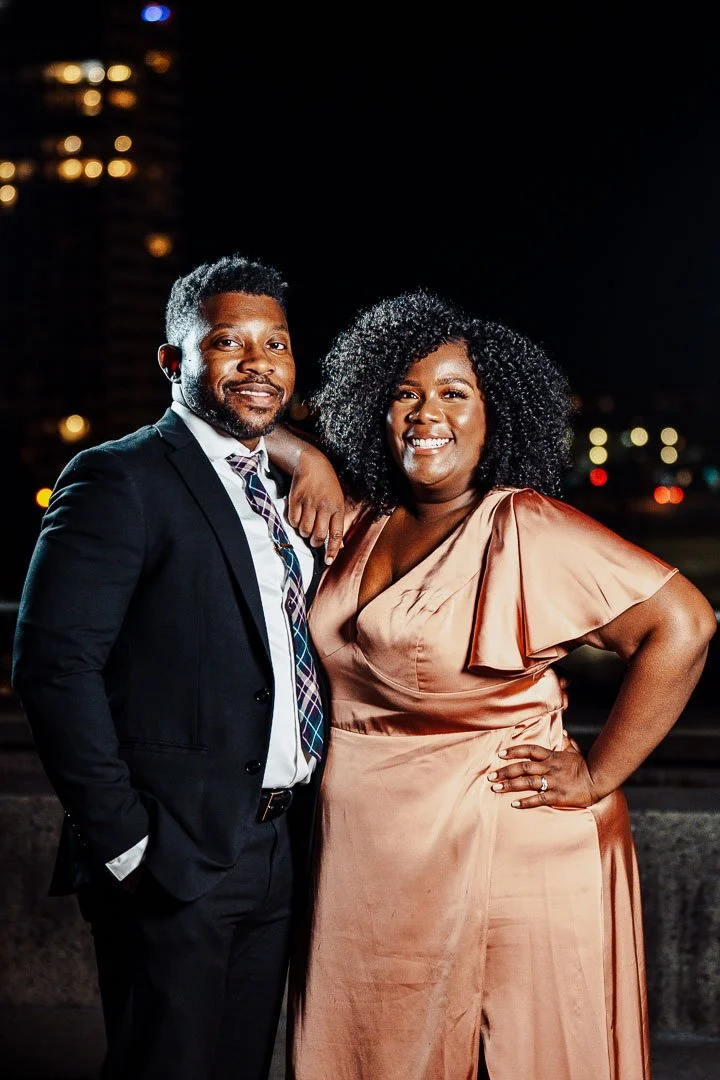



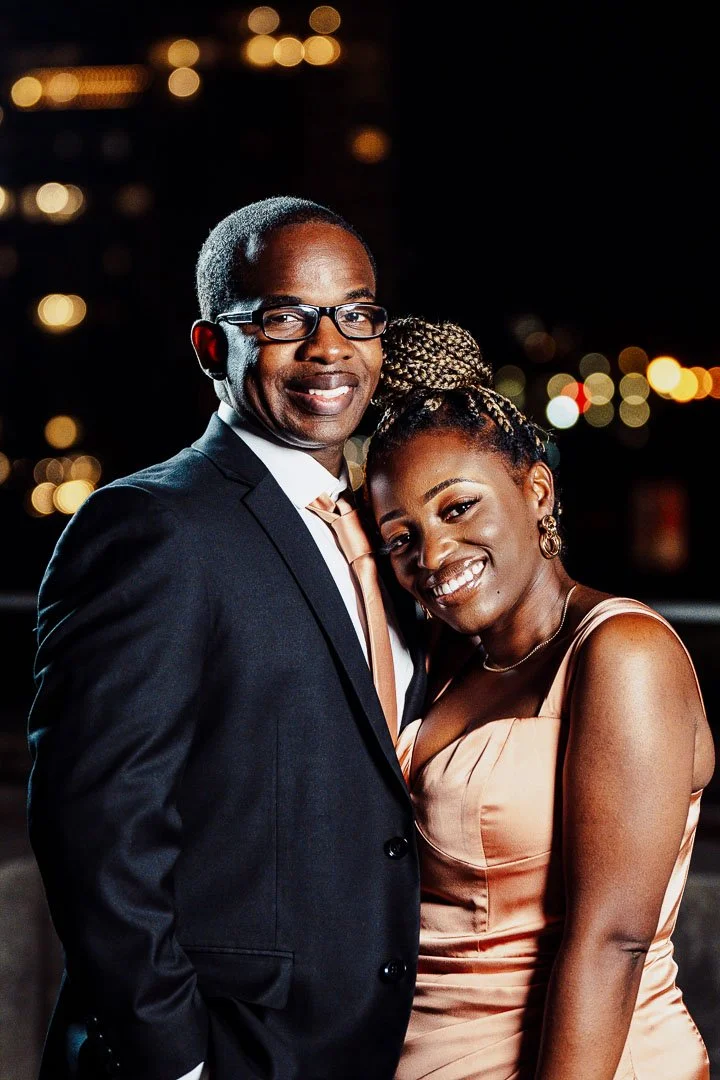
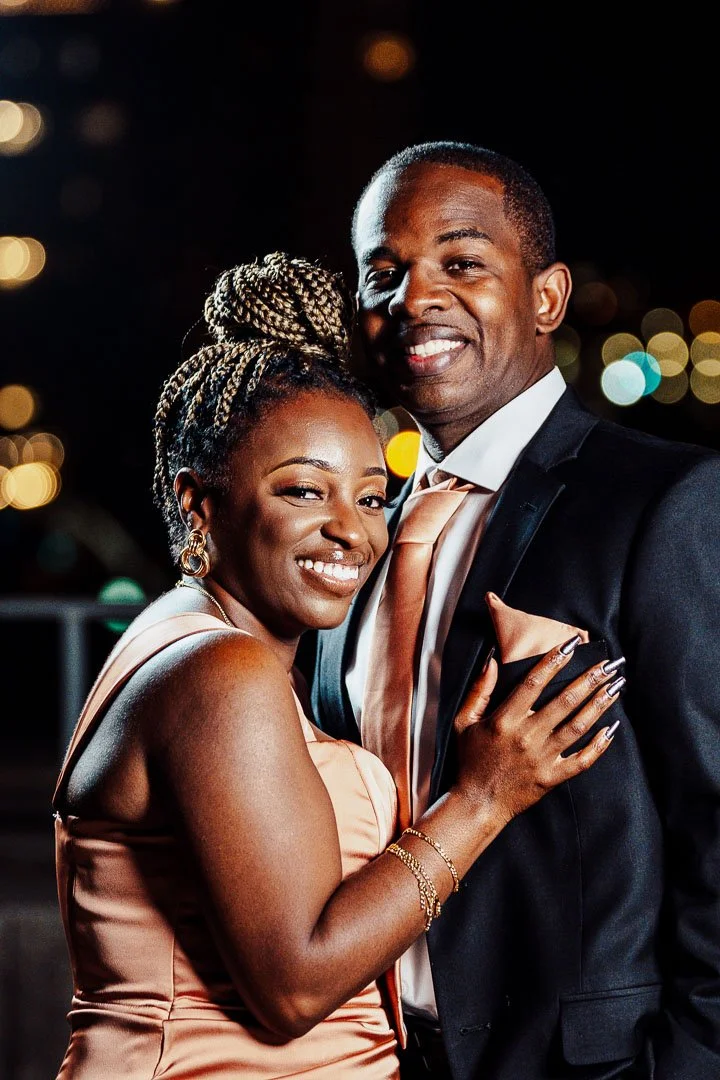
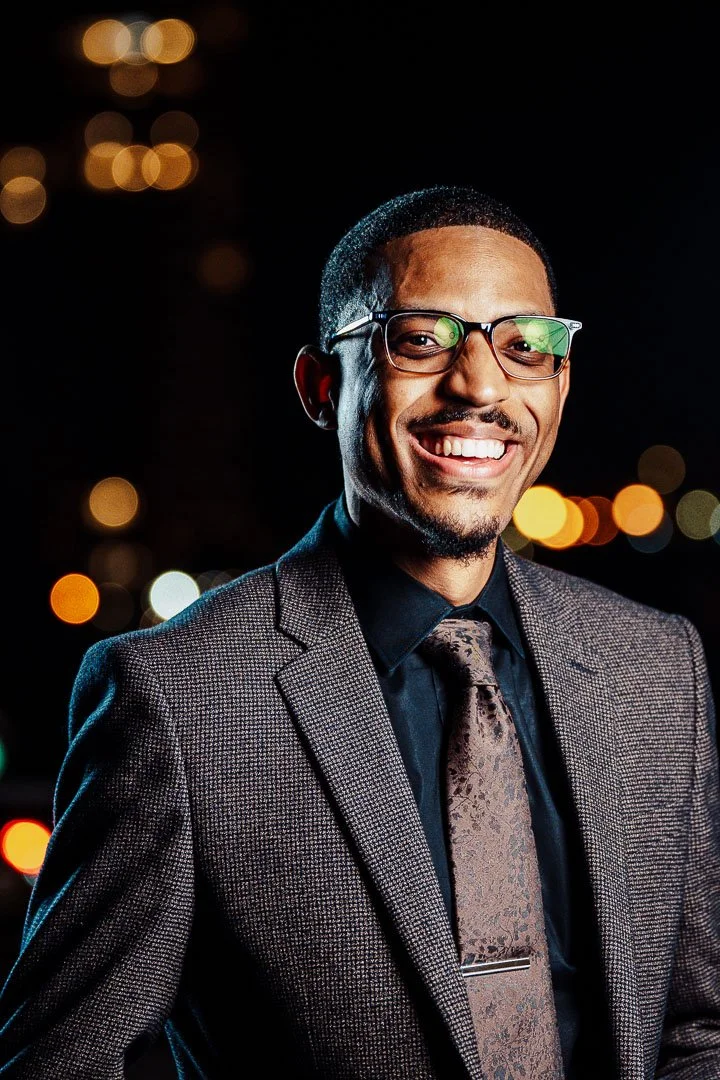
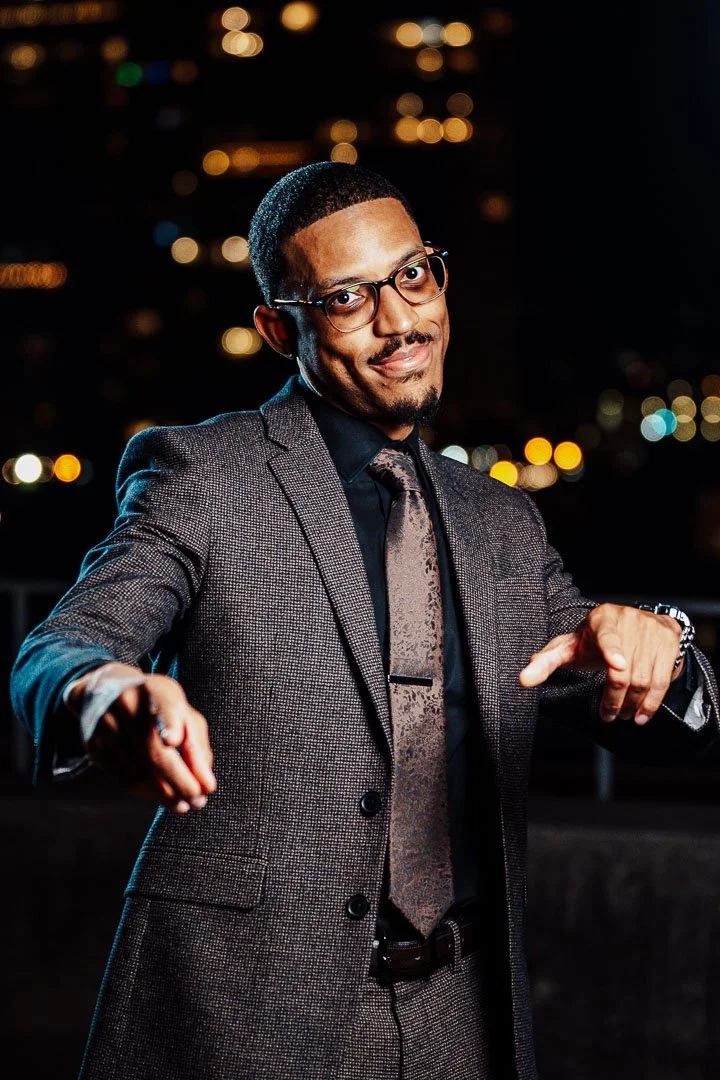
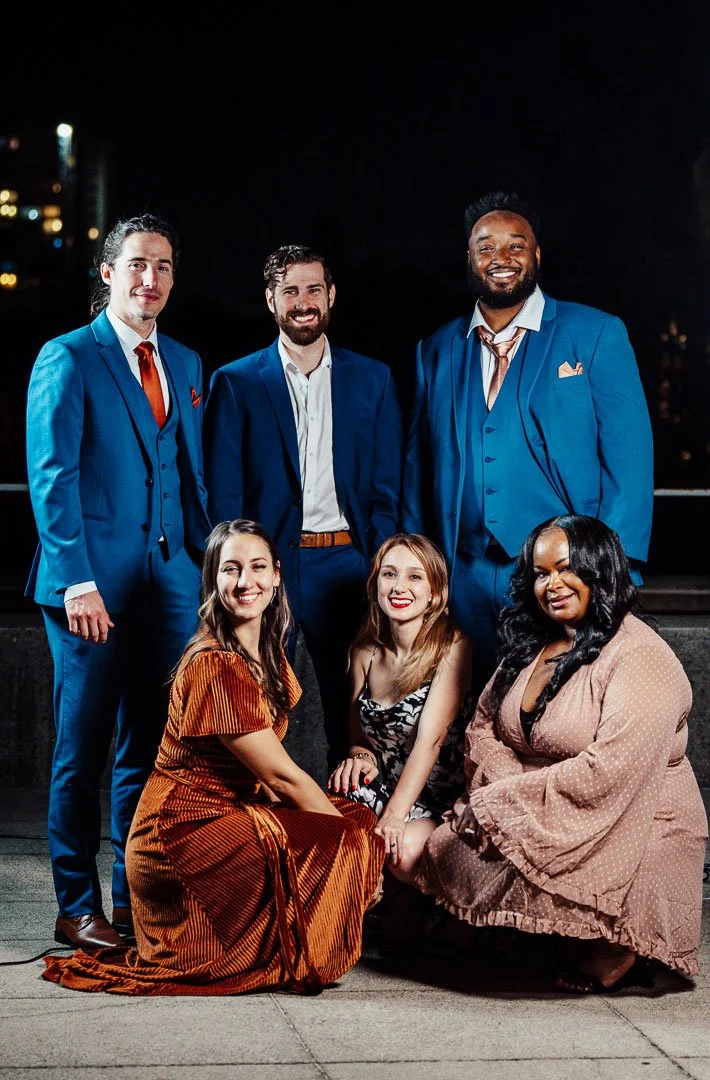

A message from our photographer on printing your photos
Photo Folders
The photographer has provided two folders for sharing on social media and for printing:
(1) is a gallery with photos sized for social media. They highly suggest you use these because otherwise Instagram/Facebook/etc. compresses the images and makes them look very dull. These are also smaller size files if you’re low on storage;
(2) is a gallery with high-resolution photos suitable for printing. Very large files.
Printing Photos
If you would like to print your images, the photographer suggests the following:
Download and save your images from the "Print Quality” folder (high-resolution).
Upload your desired images to a printing site, and order.
Suggestions for Printing Sites
Shutterfly.com — easy to use, affordable and many different print options — on canvas, a photobook, large and small size.
Nations Photo Lab (nationsphotolab.com) — high quality prints. Not as easy of a website, but reputable quality. Recommended for large prints.
Snapfish.com — very affordable. Just not the best quality on big prints. Great for making holiday cards and mugs, etc.
Crediting the Photographer
It would be great if when you share the images, you credit our photographer. Their Instagram handle is @claranauts. And if you would like to get in touch, here is their website (claraperezmedina.com) and email (clarabperezm@gmail.com). Thank you!
ONLINE SHARING